
Documents & certificates
Keep important documents and certificates with editable details, expiry dates and attached scans. Add another page to the same entry whenever you need it.
ANDROID APPLICATION · DEVELOPMENT PREVIEW
Your life. Secured.
The documents you keep. The cards you carry. The details you need.
A personal vault that brings them together on your Android phone.
 QUANTUM BIT DYNAMICS / LIFE VAULT
01 / YOUR EVERYDAY RECORDS
Life Vault is a native Android application for keeping personal records and their attachments together. Store the information once, find it in your vault, and carry an encrypted backup you control.
Keep important documents and certificates with editable details, expiry dates and attached scans. Add another page to the same entry whenever you need it.
Keep card information and both sides together in one entry. Recognition checks card-number validity before suggesting a value; security codes have no dedicated storage field.
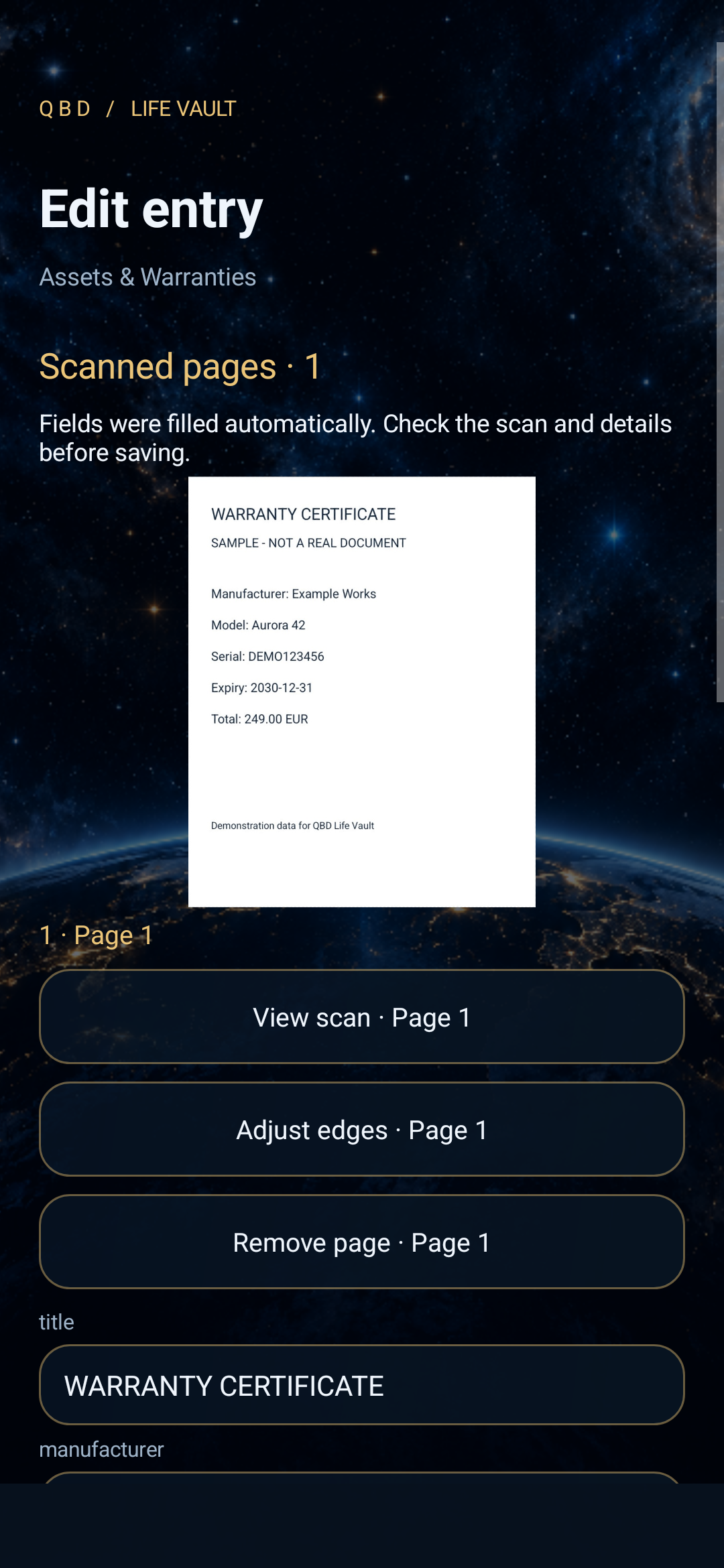
Capture warranty documents and fill supported fields such as manufacturer, model, serial number, amount and expiry from recognized text.
Separate areas for passwords, authenticator codes, subscriptions and private media. The local assistant provides metadata search; it is not an AI language model.
Records and scan attachments use AES-256-GCM encryption. Unlock combines enrolled strong biometrics with a separate vault PIN. Inactivity timeout and manual lock end the session.
Export an encrypted backup with your records and attachments. A copyable 16-character recovery key supports restoration from that backup; keep both safely available.
02 / CAMERA → SCAN → RECORD
A connected capture workflow inside the Android app. No scan-mode selection and no separate OCR button.
Frame the document. Edge detection looks for the page boundary, with optional corner adjustment if it needs help.
Perspective correction and automatic image enhancements prepare the photo for bundled, offline text recognition.
The corrected color photo stays attached, preserving the card or document’s appearance. Matching empty fields are populated for you to check and edit before saving.
Add a card’s back side or another document page to the same entry, then save the record and its encrypted scans together.
Recognition is an aid, not a guarantee. Glare, engraving and low contrast can cause errors. Review every recognized value before saving.
03 / SEE THE APP
Eleven actual native app renders from the development build, using fictional sample records. Open any screen to explore it in detail. Still images do not show the live electrons.
 01 / A welcome with life
The gold atom and orbiting electrons welcome you into Life Vault. This render shows first-time setup.
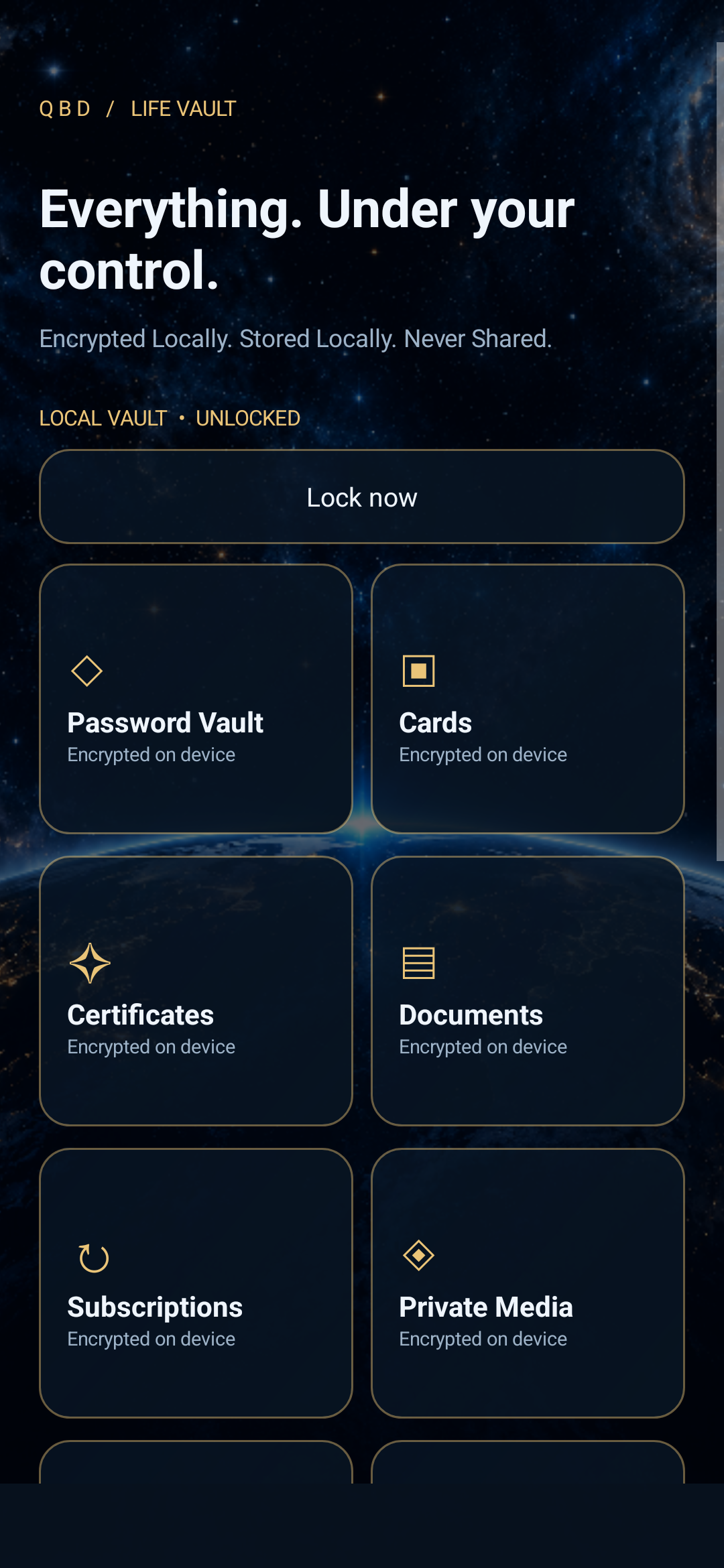 02 / Your vault, at a glance
Documents, cards, certificates and other personal records in one dashboard.
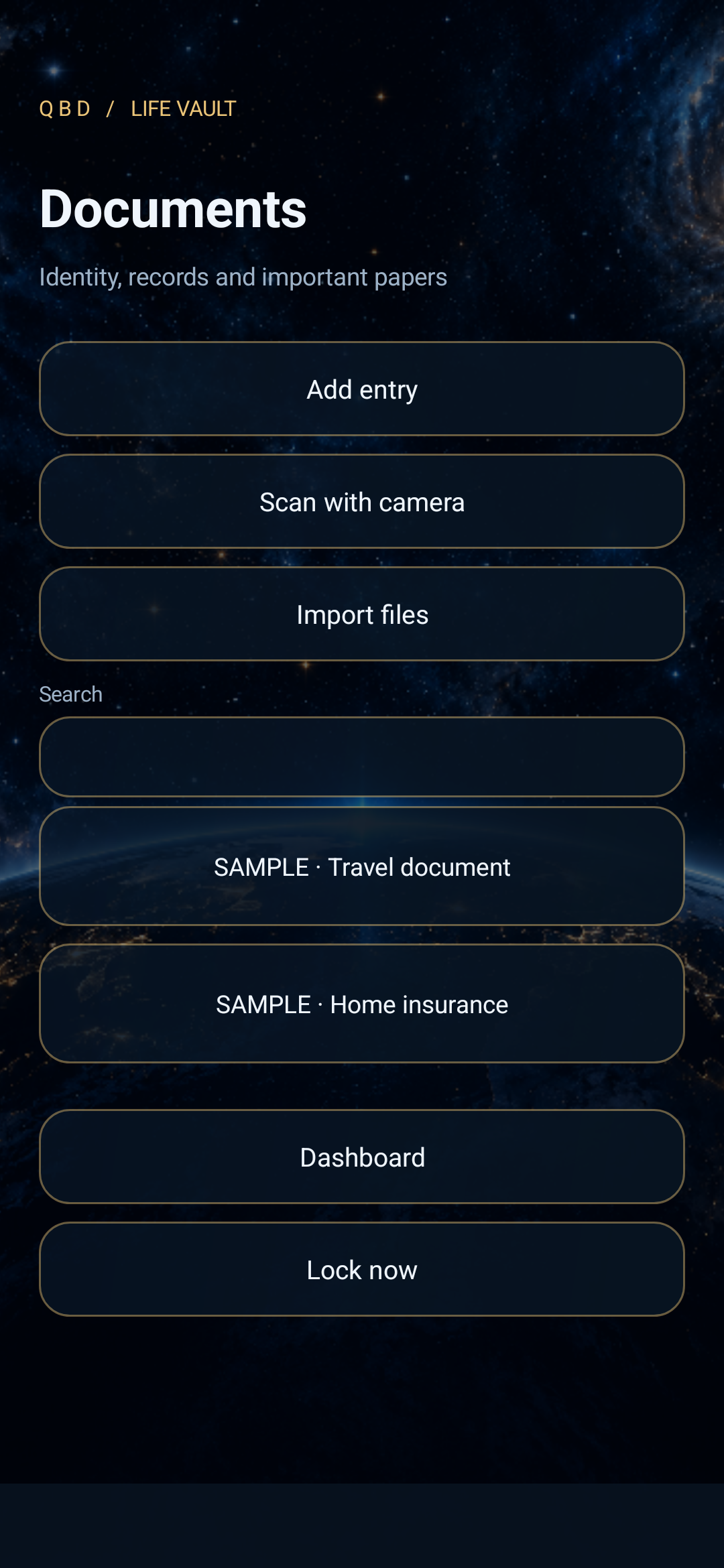 03 / Important documents
Organize document entries alongside their details and attachments.
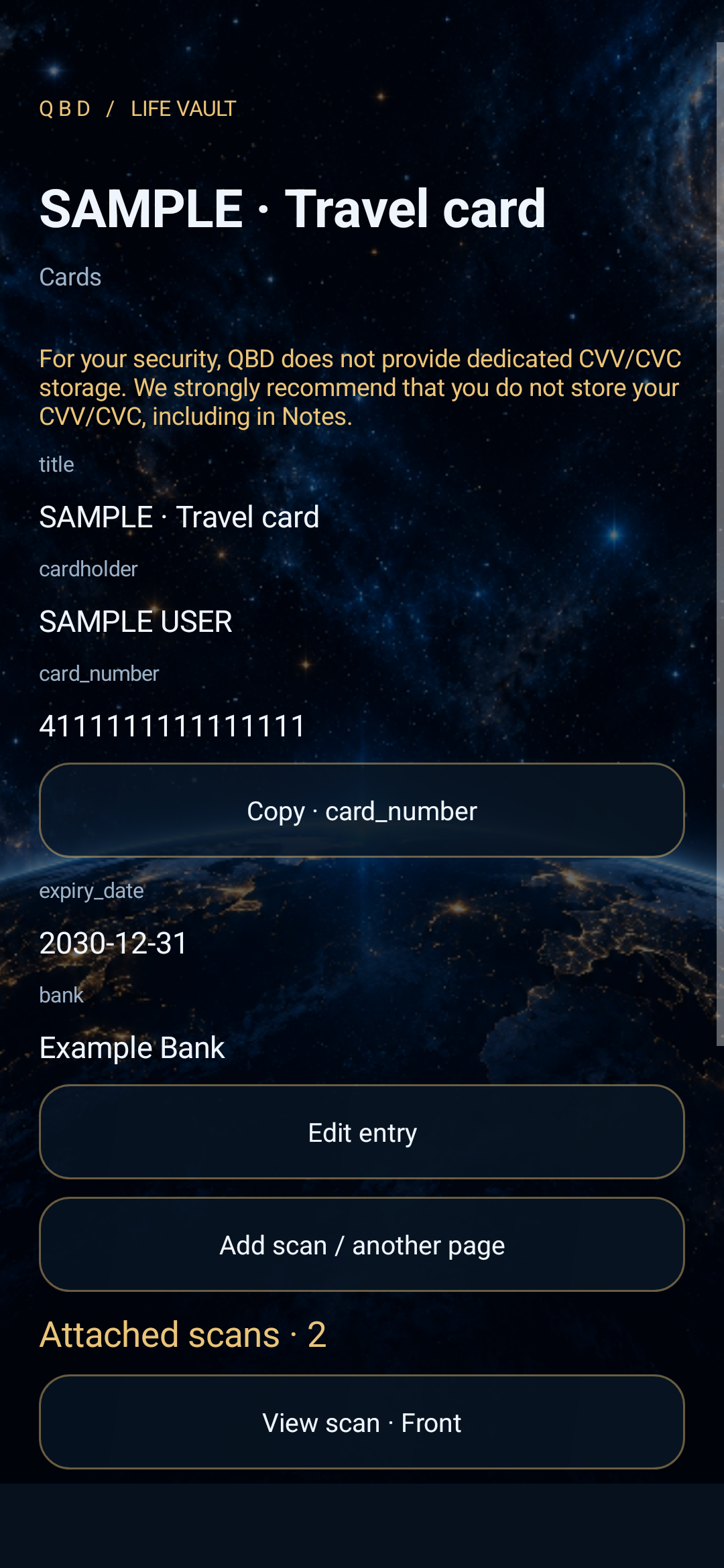 04 / Card information
Keep editable card details together. All gallery records are fictional.
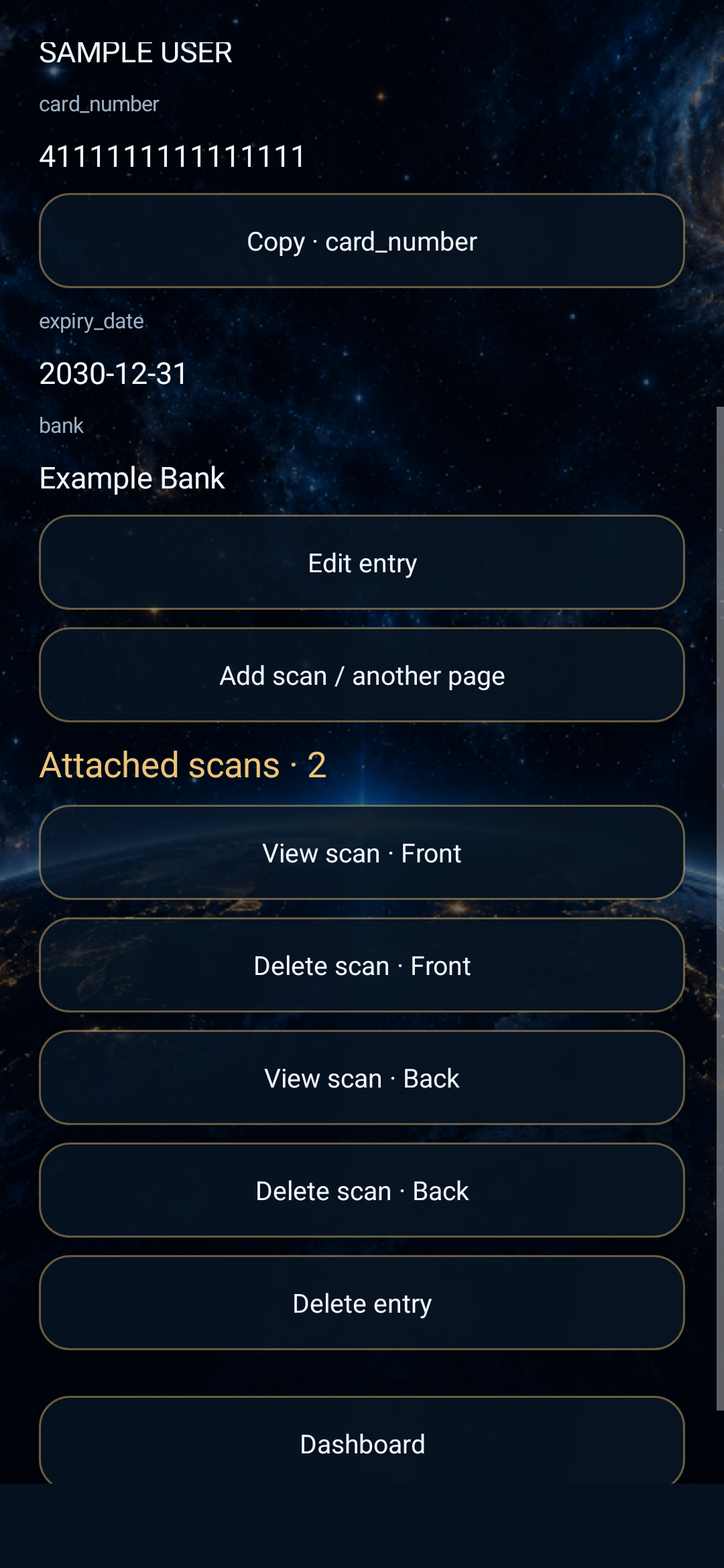 05 / One card. Both sides.
Front and back remain attached to a single entry, with individual scan controls.
06 / A scan from your cameraSee the corrected scan attached immediately after processing.
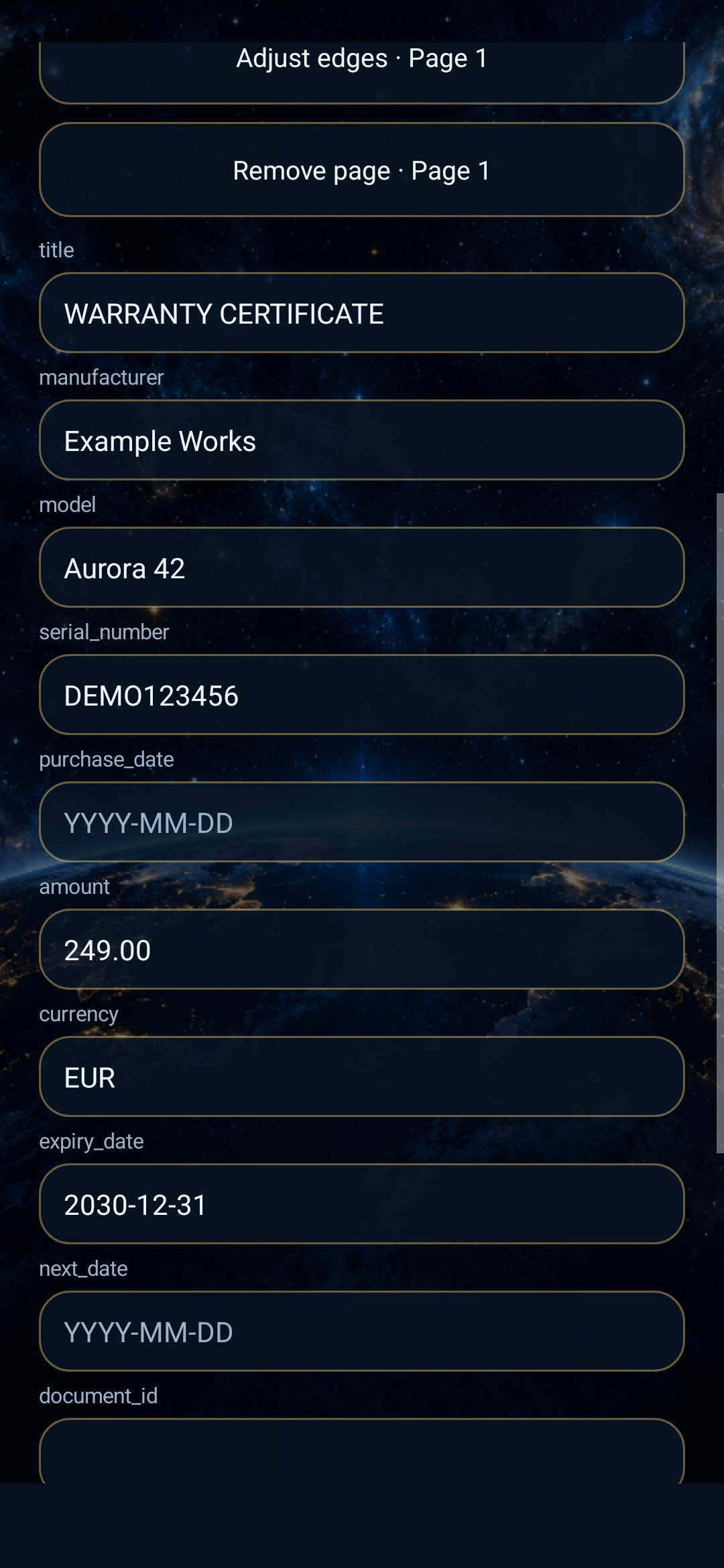 07 / Less typing, more checking
Recognized warranty fields are filled automatically and remain editable.
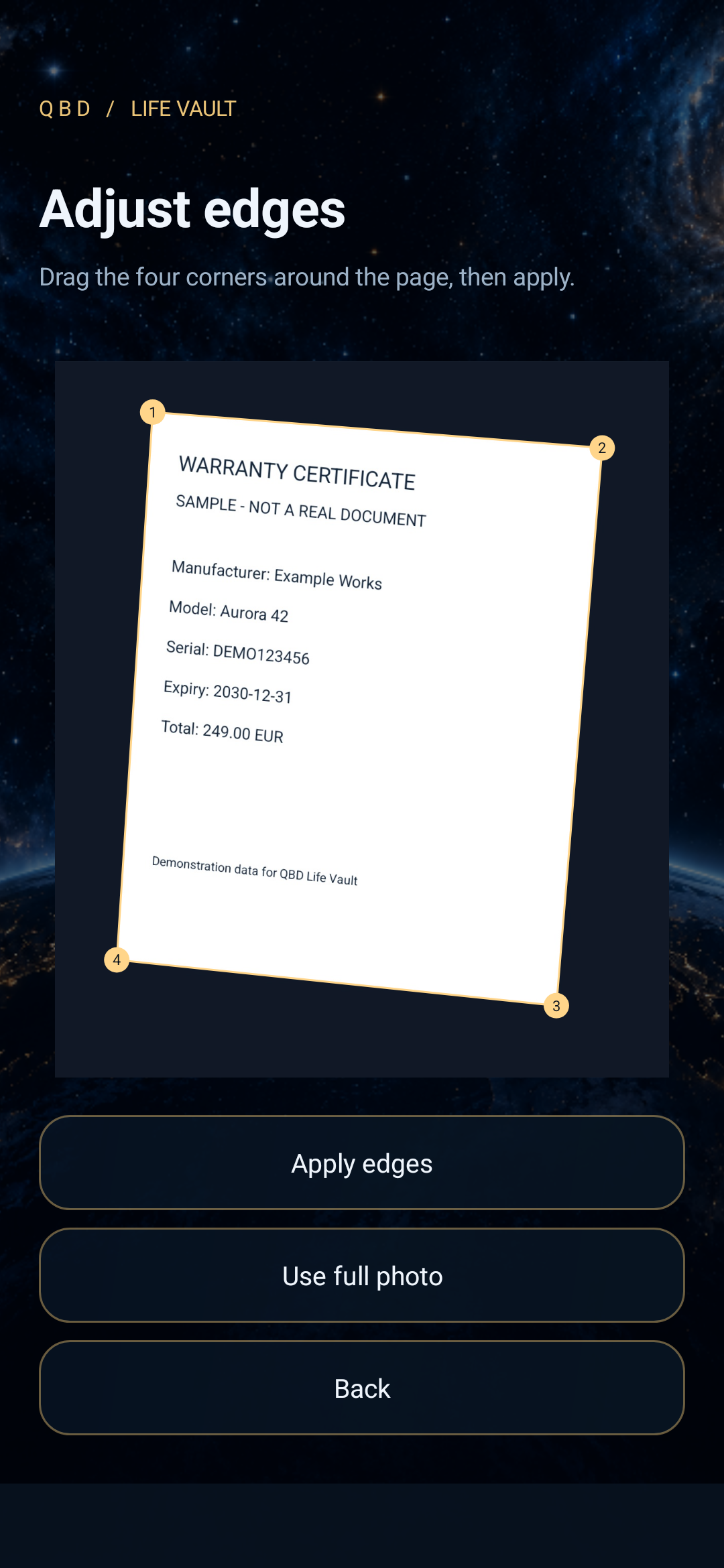 08 / A little extra precision
Adjust the four corners when a difficult photo needs manual correction.
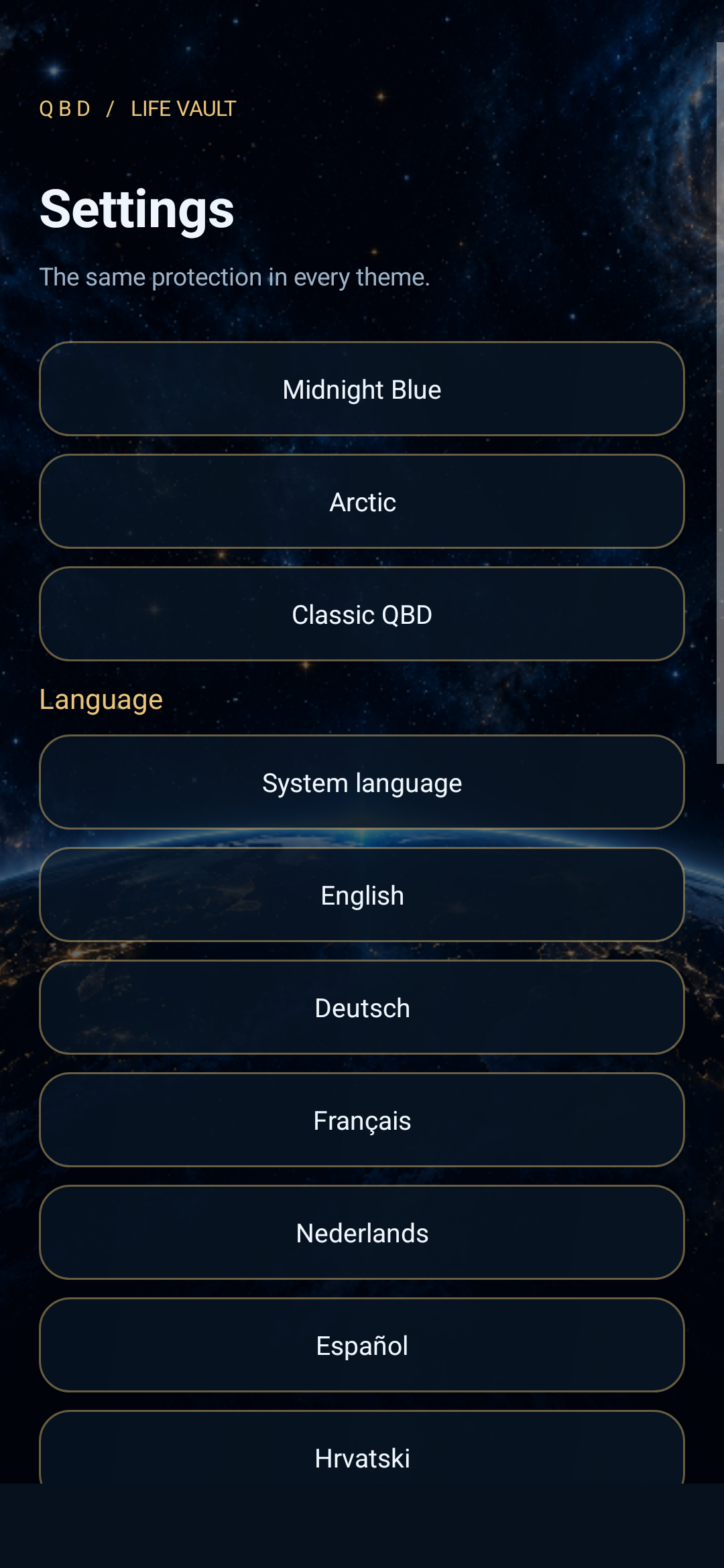 09 / Make it yours
Appearance, language and session preferences live inside the signed-in vault.
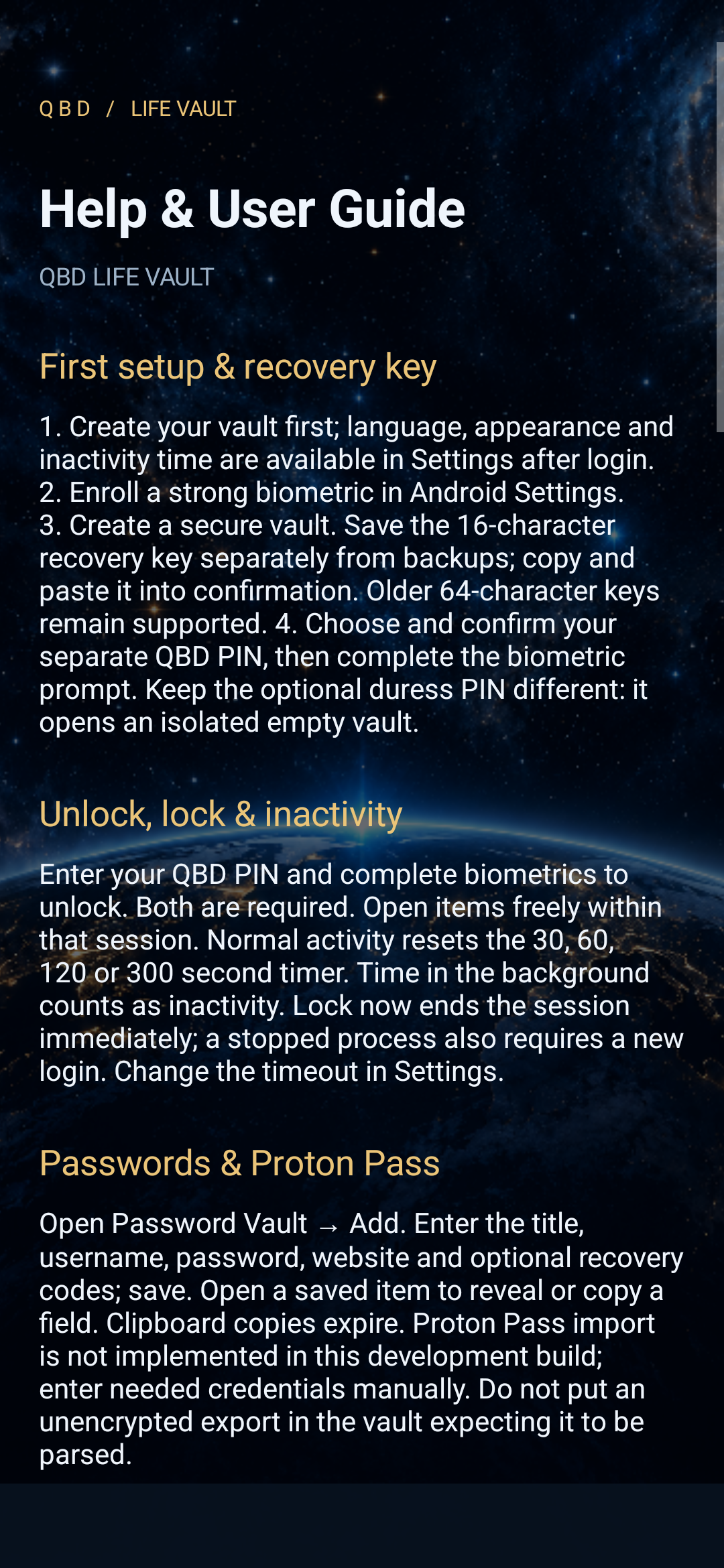 10 / Help within reach
Built-in guidance explains capture, records, backup and recovery.
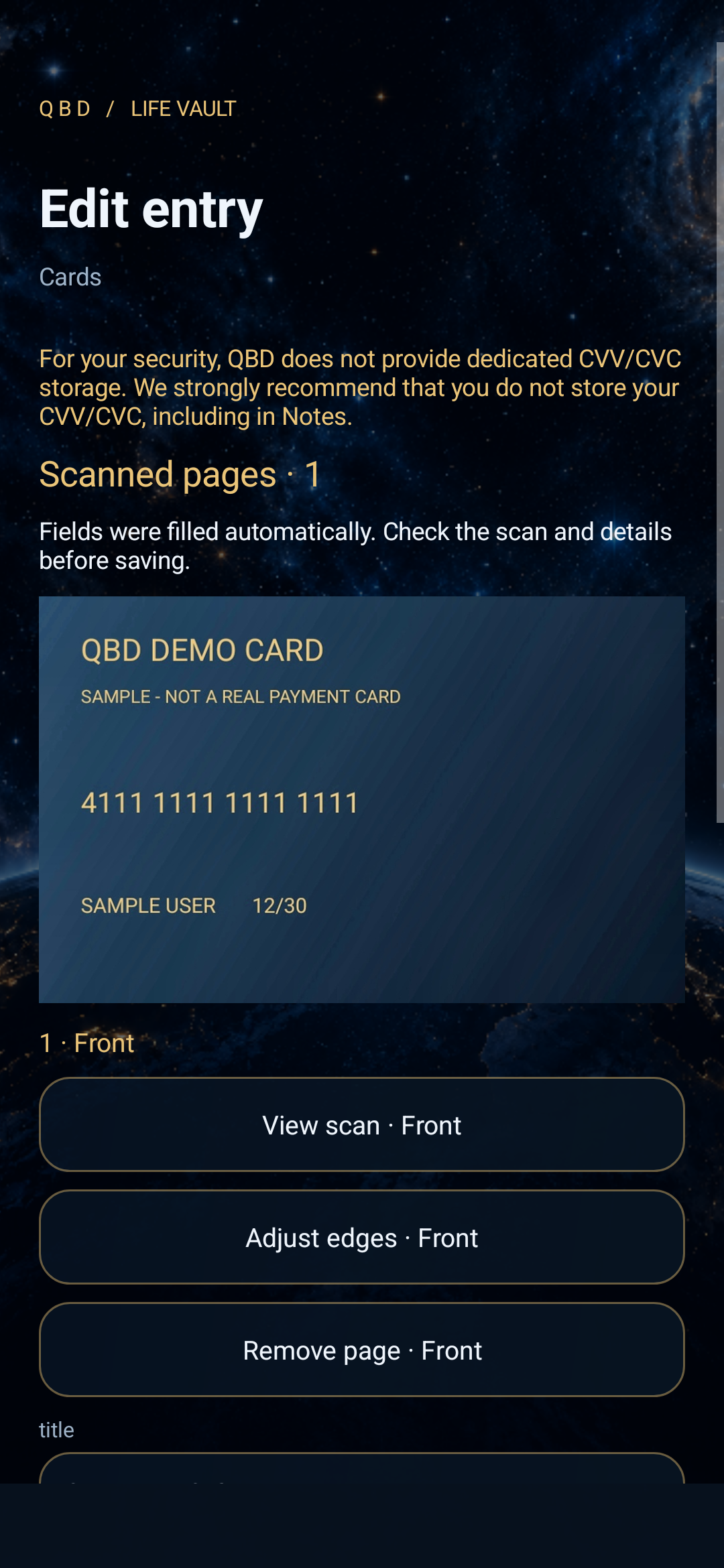 11 / Your card, in color
Natural colors stay visible. Contrast treatments are used only for recognition.
04 / OPEN DEVELOPMENT NOTES
Current build: 0.4.1-dev · Updated 10 October 2026. Life Vault remains a development preview, with implementation evidence and known limits kept visible.
0.4.1 / NATURAL COLOR SCANS
Saved scans now always retain the enhanced color photograph, with corrected edges and perspective. Black-and-white and contrast treatments are used only as temporary OCR inputs; recognition quality no longer decides how the saved image looks.
0.4.0 / AUTOMATIC CAPTURE
Introduced in-app camera capture, offline Tesseract recognition in English, German, French, Dutch, Spanish and Croatian, encrypted scan attachments and backup preservation. Added the space-and-gold presentation inspired by the approved artwork, native animated atom and settings available after login.
Life Vault branding, certificates, built-in user guide, authenticated sessions, configurable inactivity timeout, portable preferences and improved backup verification. Device migration was tested with synthetic records; two-phone migration still needs physical-device validation.
Corrected the biometric encryption setup sequence so authenticated cipher operations receive associated data at the correct stage. Kept the existing package and development signing identity for updates.
Introduced a 16-character recovery key with copy-and-paste confirmation and retained support for the earlier 64-character format.
The project began as QBD Command Center: native Android forms, encrypted records and attachments, authentication, backup and recovery. The application package remains com.qbd.command for continuity.
05 / FOLLOW THE PROJECT
Follow the development notes as the Android experience evolves. For questions about the app, testing or future availability, get in touch with Quantum Bit Dynamics.
Enquire about Life Vault ↗The app is under active development. The gallery uses fictional sample records, and development notes distinguish implemented features from remaining work.
Strong biometrics and a separate vault PIN protect access. The current application operates locally; automatic cloud synchronization is not included.
Read the development notes for current testing evidence and known limits.