One product, two component histories. Workflow versions describe the integrated desktop; Nexus versions describe its AI workspace. Older standalone tray, floating-orb and installer notes are retained as development history. Those embedded behaviors apply through Workflow 0.9.0. Starting with 0.9.1, NEXUS runs separately while possible reintegration is deferred.
Workflow integration & desktop history
NEXUS 1.4.2 development preview — Neural atlas, Auto roles and local knowledge · 25 October 2026
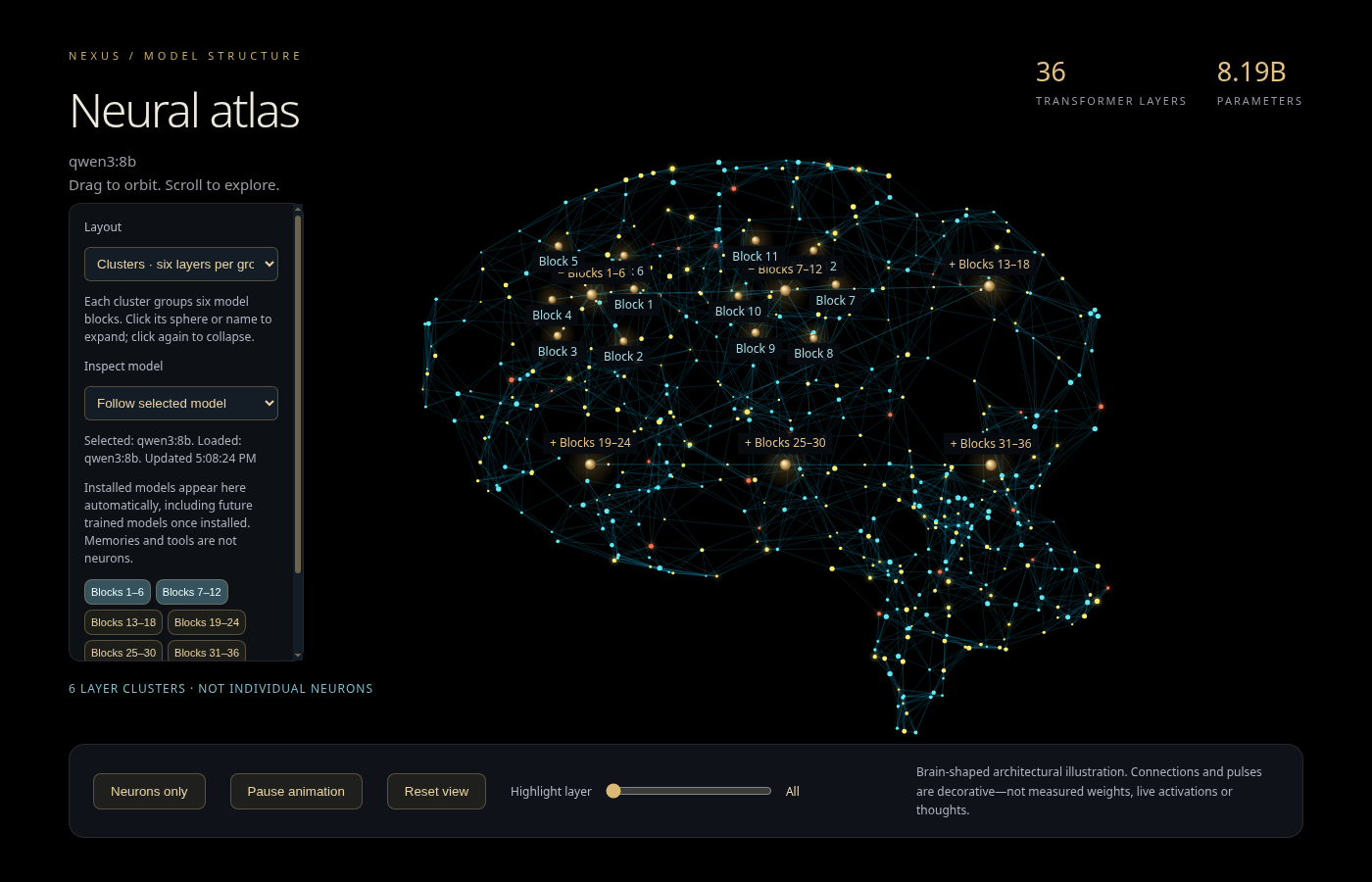
- Added a model-metadata neural atlas with expandable layer clusters and a minimal view. Its geometry and animation are illustrative, not measured neural activations.
- Added a persistent, resizable sidebar brain with glowing pulses linked to chat, speech and background-generation activity. Width is remembered; reduced-motion preferences are respected.
- Auto is the default agent role, selecting and combining initial task specialties while keeping manual overrides. Existing text and isolated coding modes keep their permission boundaries.
- Added local source discovery across QBD projects, Graphify navigation, shared-memory lessons and REA static JavaScript/Electron evidence. Local OCR supports project-document retrieval. These features do not retrain model weights or prove a complete code audit.
- Verified role routing, UI defaults, divider resizing and persistence. The latest live agent-task attempt was blocked by the conservative model-memory guard; successful role selection is not claimed as successful task execution.
- Independent code review findings and private project evidence stay local. Existing chats, documents, models, preferences, voices and credentials are preserved. Workflow remains separate; this is a NEXUS preview update, not a new Workflow release.
0.9.1 — NEXUS runs independently · 25 October 2026
- Separate desktop app: restored the existing NEXUS 1.4.2 application-menu entry and verified its native window. Its application code and data were not reinstalled or moved.
- Workflow separation: removed the embedded NEXUS tab and automatic startup/shutdown hooks. ArtCraft, Revisio Finance and Dev Center remain integrated. Dev Center stays available for background tasks and its existing phone-access configuration.
- Ownership checked: the installed Workflow was opened and closed against an isolated test account while standalone NEXUS remained healthy. No unrelated port owner was stopped.
- Reversible: Workflow 0.9.0, the old embedded browser profile and dormant integration modules are retained for deliberate future reintegration. The standalone app resumes its own browser profile.
- Scope: this separates the apps; it does not implement the proposed NEXUS Evolution v2 roadmap or newly verify model inference, live voice, screen sharing or phone connectivity.
0.9.0 — Revisio QBD Finance · 25 October 2026
- English finance workspace: customers, invoice and quote drafts, permanent issue numbers, immutable issued details, quote-to-invoice drafts, partial payments, payment reversals and expense corrections.
- Calculations and exports: integer-cent amounts with explicit VAT and per-line rounding, A4 invoice/quote PDFs, currency-separated reports, CSV exports and a cost/markup/margin calculator.
- Preservation and access: existing Revisio documents, accounts and files remain available. The additive migration backs up an existing database first. Finance access requires a Revisio administrator.
- Verified on the laptop: 115 automated tests passed, with additional restart, expense-correction and cross-site-write checks. The installed embedded interface and native PDF export were tested with disposable records. Workflow 0.8.1 is retained for rollback.
- Current limits: business/VAT settings require configuration. Fiscalization, e-invoice submission, tax filing, bank imports, receipt attachments, credit notes and a double-entry ledger are not included.
- Nexus 1.4.2 retained: no model selections changed. Pending gpt-oss inference, live voice/screen sharing and phone connectivity were not verified by this release. Workflow-owned Nexus closes with Workflow; Dev Center keeps its background lifecycle.
0.8.1 — Gold Orbit welcome · 25 October 2026
- The website’s black-and-gold artwork and moving electrons now appear in the installed desktop welcome screen, with real keyboard-accessible account controls.
- 113 tests passed. Existing local credentials and password-change behavior were preserved; the previous release was retained.
0.8.0 — Full ArtCraft workspace · 25 October 2026
- Added PhotoCraft, VectorCraft, FilmCraft, LightCraft, PdfCraft, EffectCraft, DesignCraft, FigCraft, WordCraft, SoundCraft, DeckCraft, CADCraft and GridCraft. Workflow’s office launchers and supported conversions now use ArtCraft.
- Editors open in their own windows. Sharing copied text requires review; suggested replacements are copied for manual pasting. Legacy ODS/XLSB imports may lose formulas; legacy PPT/ODP requires a separate supported export.
- 111 automated tests and eight real document conversions passed. Existing models, chats, documents and settings were preserved.
0.7.0 — Nexus workspace · 6 October 2026
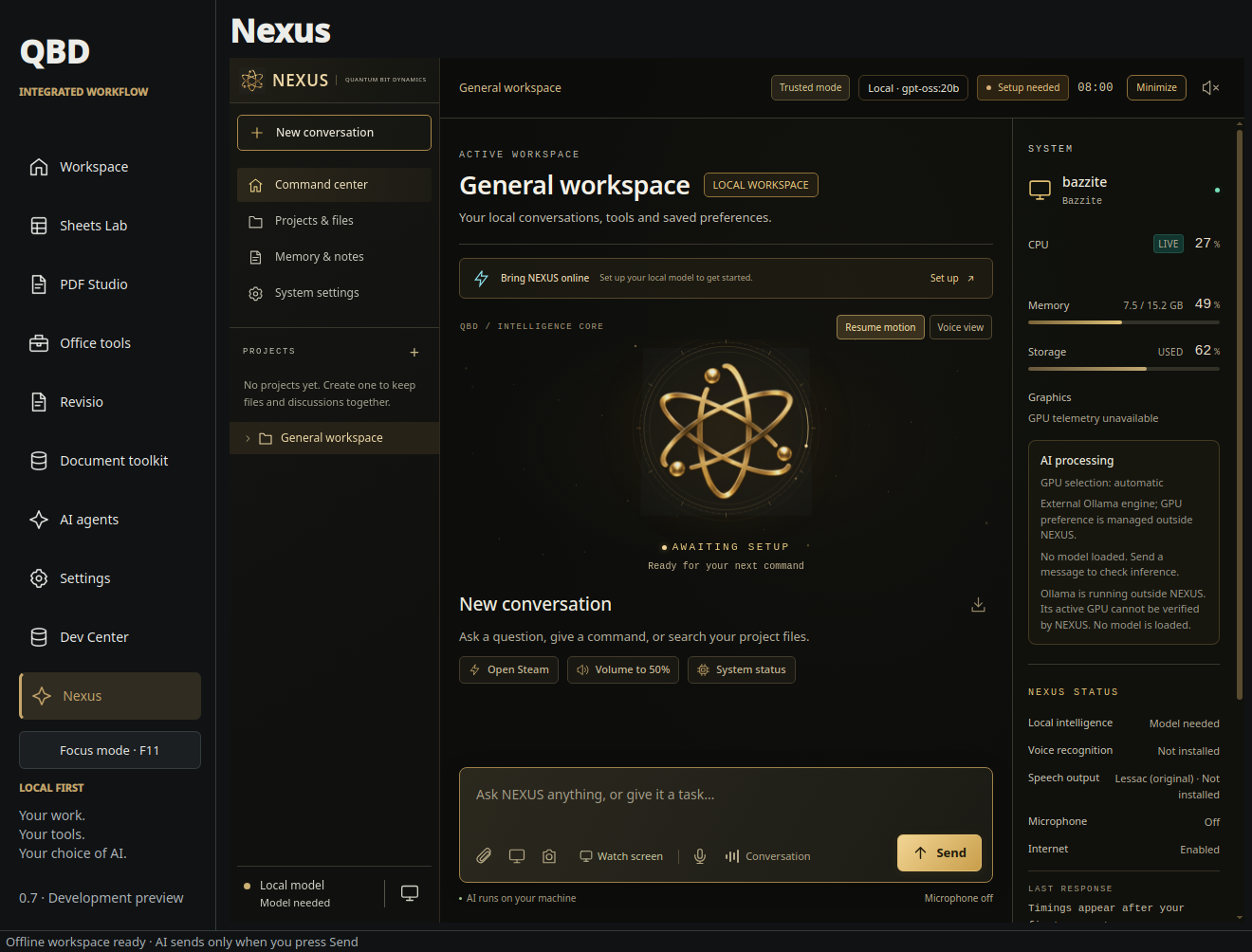
- One application launcher: Nexus opens inside the Workflow sidebar. The installed Nexus application and its existing chats, project files, models, voices and settings stay in place.
- Coordinated lifecycle: administrator sign-in starts Nexus; closing Workflow shuts down the Nexus service it started. The lifetime connection also stops that child after a Workflow crash. An independently running Nexus service stays independently owned until closed. Dev Center retains its background lifecycle for tasks and phone access.
- Port recovery: Nexus prefers 18765 and persists an available replacement when occupied. It does not terminate unrelated services or take Dev Center ports.
- Embedded controls: file uploads and save dialogs, microphone permission prompts, screen/window selection and persistent browser capture preferences. The Nexus minimize control minimizes Workflow; the separate floating Electron orb is not included.
- Testing limits: automated lifecycle and embedded-interface checks use isolated test data. Live voice, speakers and screen sharing still require hands-on laptop testing.
0.6.0 — One sign-in & guided connections · 6 October 2026
- One Workflow password: administrators enter their password at Workflow startup and open Dev Center automatically. Signing out revokes the desktop Dev Center session; independent phone sessions remain separately authenticated.
- Connections: guided official Codex/OpenAI and GitHub browser sign-in, explicit HTTPS Git credential setup, and OpenAI API-key storage for the current Legion adapter.
- Phone setup: guided private-network startup, account authorization and Tailscale Serve setup. Existing routes and public-sharing conflicts are checked before changes. The account holder still completes service authorization, and physical-device connectivity must be tested.
- Clearer products: a curated project catalog identifies actual products, shared repositories and standalone/integrated variants instead of treating every task or build folder as a separate product.
0.5.0 — Dev Center integration · 6 October 2026
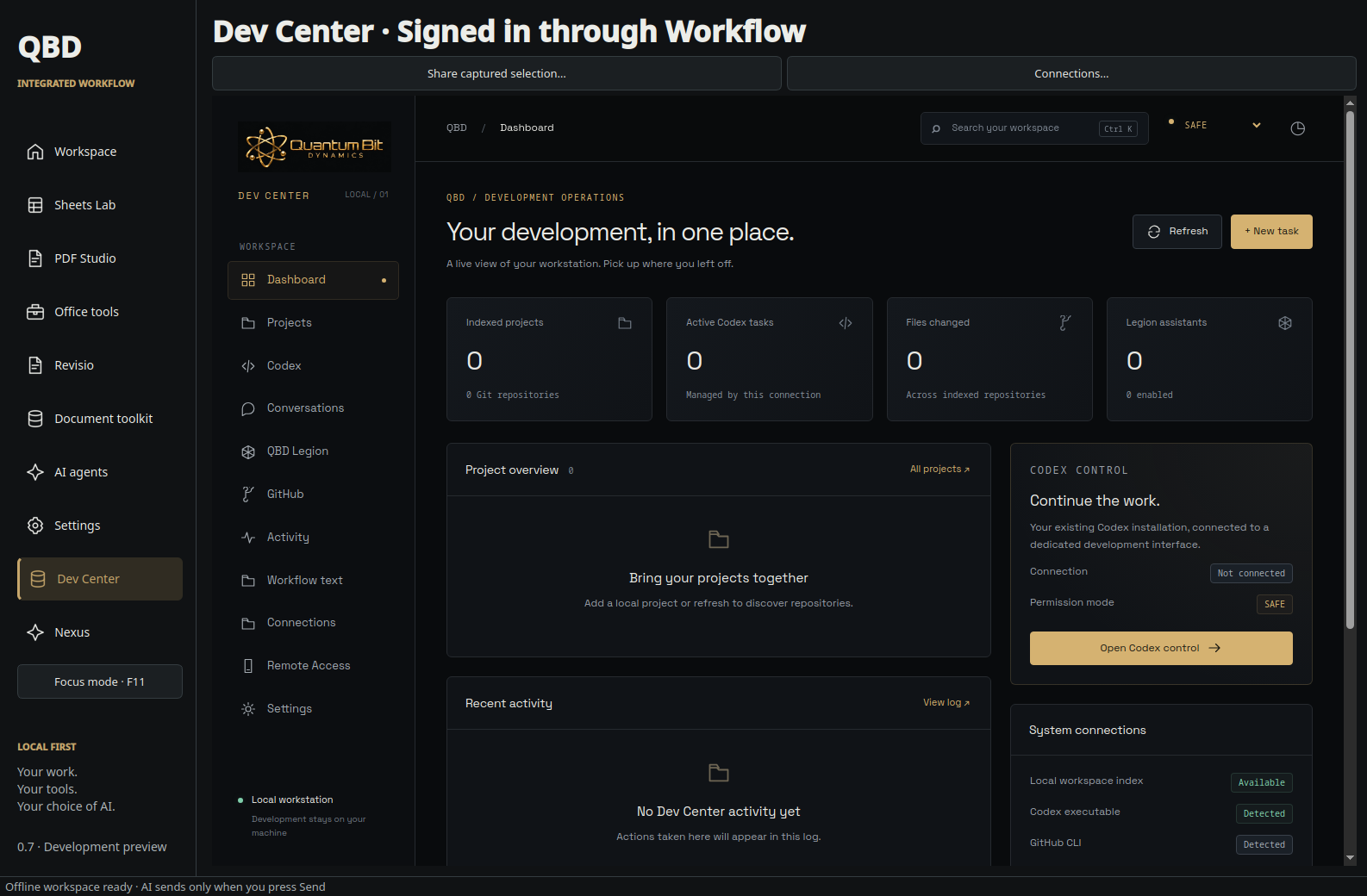
- Development workspace: Dev Center is available in the Workflow sidebar, with local projects, supported Codex task control, Git review and QBD Legion assistants.
- One laptop backend: the on-demand service stays running when the desktop window closes. The laptop must remain awake and connected; the service does not automatically start after reboot.
- Workflow sign-in: use an enabled Workflow administrator account. Operator accounts are excluded, and password changes invalidate browser access. Each device signs in separately.
- Explicit document sharing: preview and save project-associated text excerpts, then select them for a Legion message. Saving text does not send it to an AI provider.
- Android companion 0.2.0: updated Workflow connection guidance and a signed development APK. Private HTTPS configuration and physical-device verification remain required. Native background notifications and automatic GitHub backups are not included.
1 October 2026 — Integrated Workflow & Focus mode
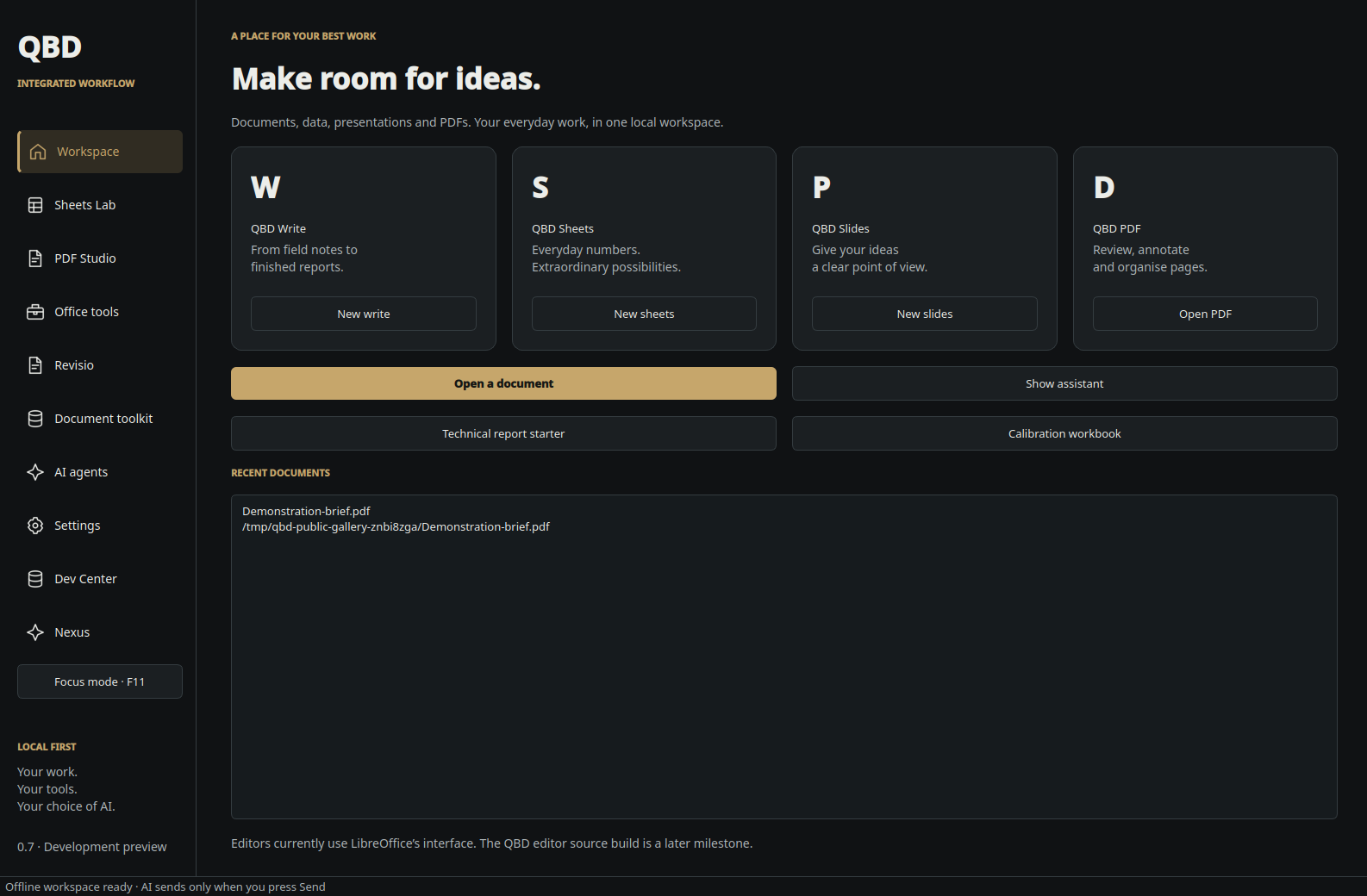
- New name: QBD Integrated Workflow now appears on the welcome screen, in the workspace and in the application menu.
- Animated atom: a glowing gold nucleus and continuously orbiting electrons replace the network background on the login screen.
- Focus mode: press F11 or use the sidebar button or Settings to fill the screen without the window title bar or bottom status bar. The preference is saved; exiting restores the previous window. External LibreOffice windows retain their own controls.
- Administrator and Operator accounts: choose the main Administrator password at first launch. Administrators create users, change access levels, disable accounts and reset temporary passwords in Settings → Manage users. New users change temporary passwords at first sign-in.
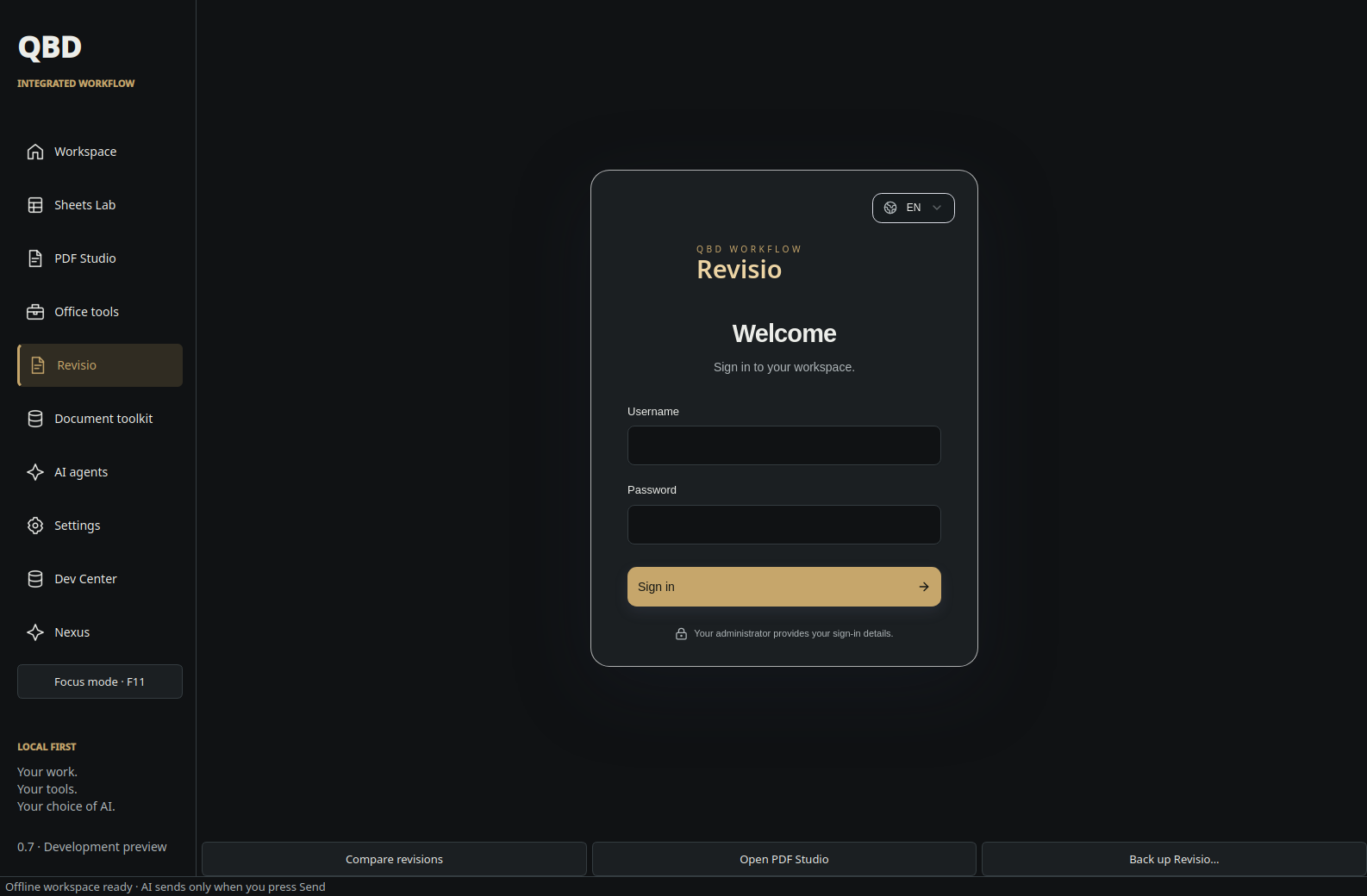
- Revisio cleanup: removed the HSFI · MSFI / IFRS label from its sign-in screen. Revisio keeps its separate sign-in and document permissions.
- Installed and checked: the patch is installed for Bazzite testing. 52 automated tests passed, along with installed login-flow and F11 checks. The app remains version 0.4.0.
0.4.0 — Initial themes & navigation update
- Settings → Appearance offers Obsidian Gold, Arctic Office and Midnight Titanium. Themes switch immediately and remain saved.
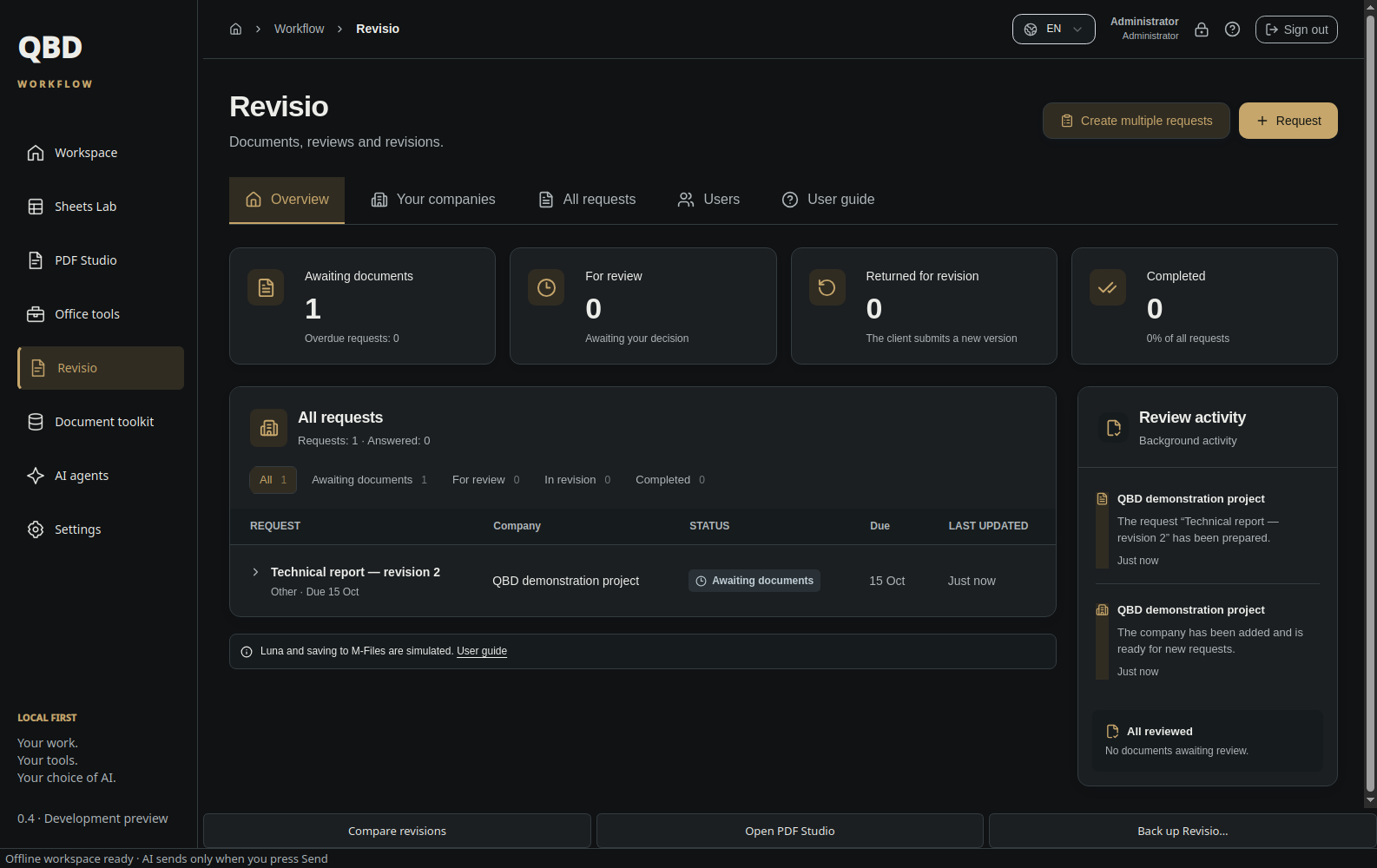
- Added outline navigation icons and a single desktop sidebar, with Revisio tabs, a cross-company request table and review activity.
0.3.0 — Revisio & Document Toolkit
- Revisio integrates the existing DocFlow application as a fresh local workspace with QBD styling. Create companies, administrators, reviewers and client accounts; manage checklists, requests, deadlines, uploads, comments and review decisions.
- Keep each submission and its history through rejection, resubmission and approval. Client accounts can access only their own company’s records.
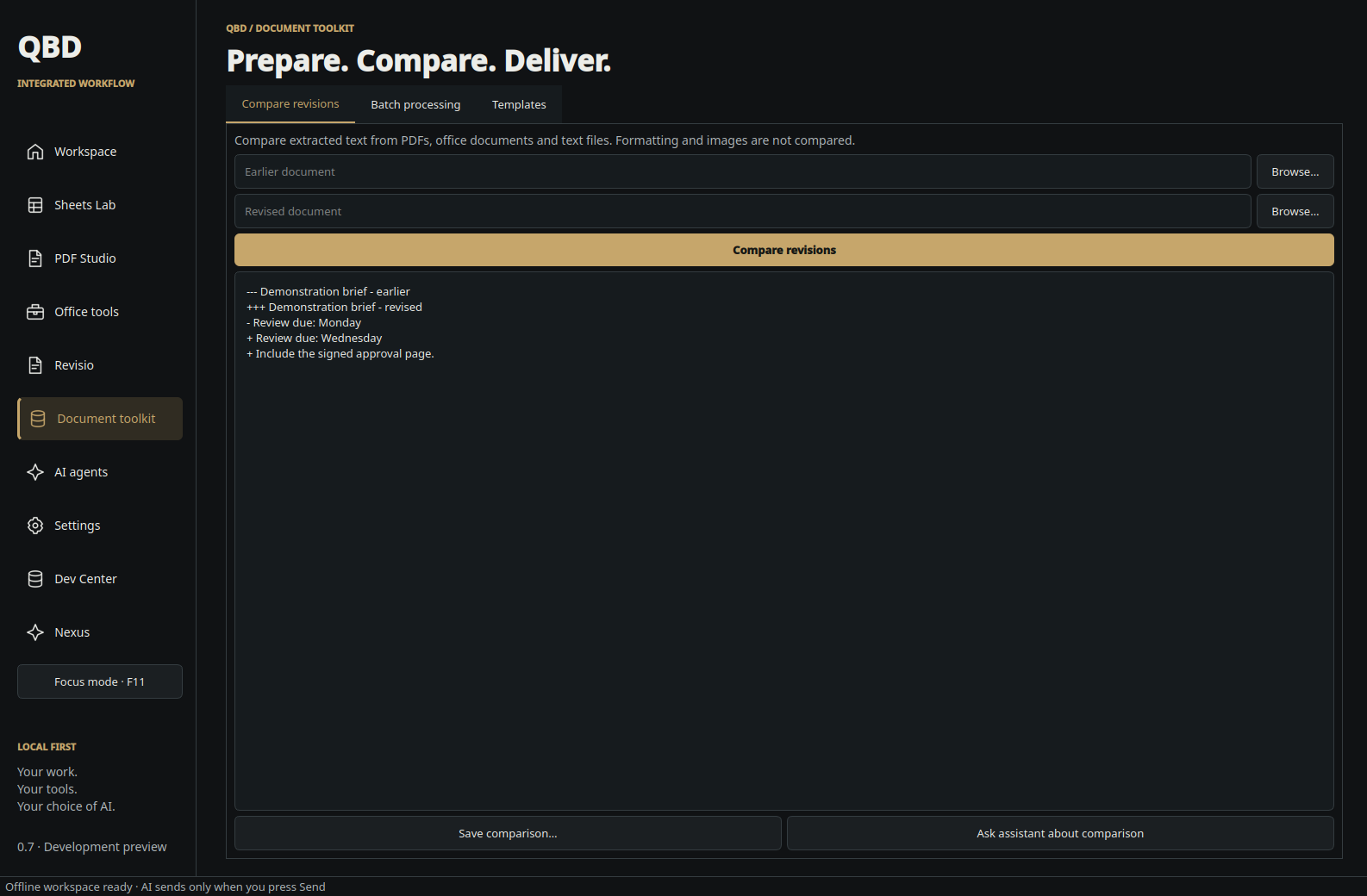
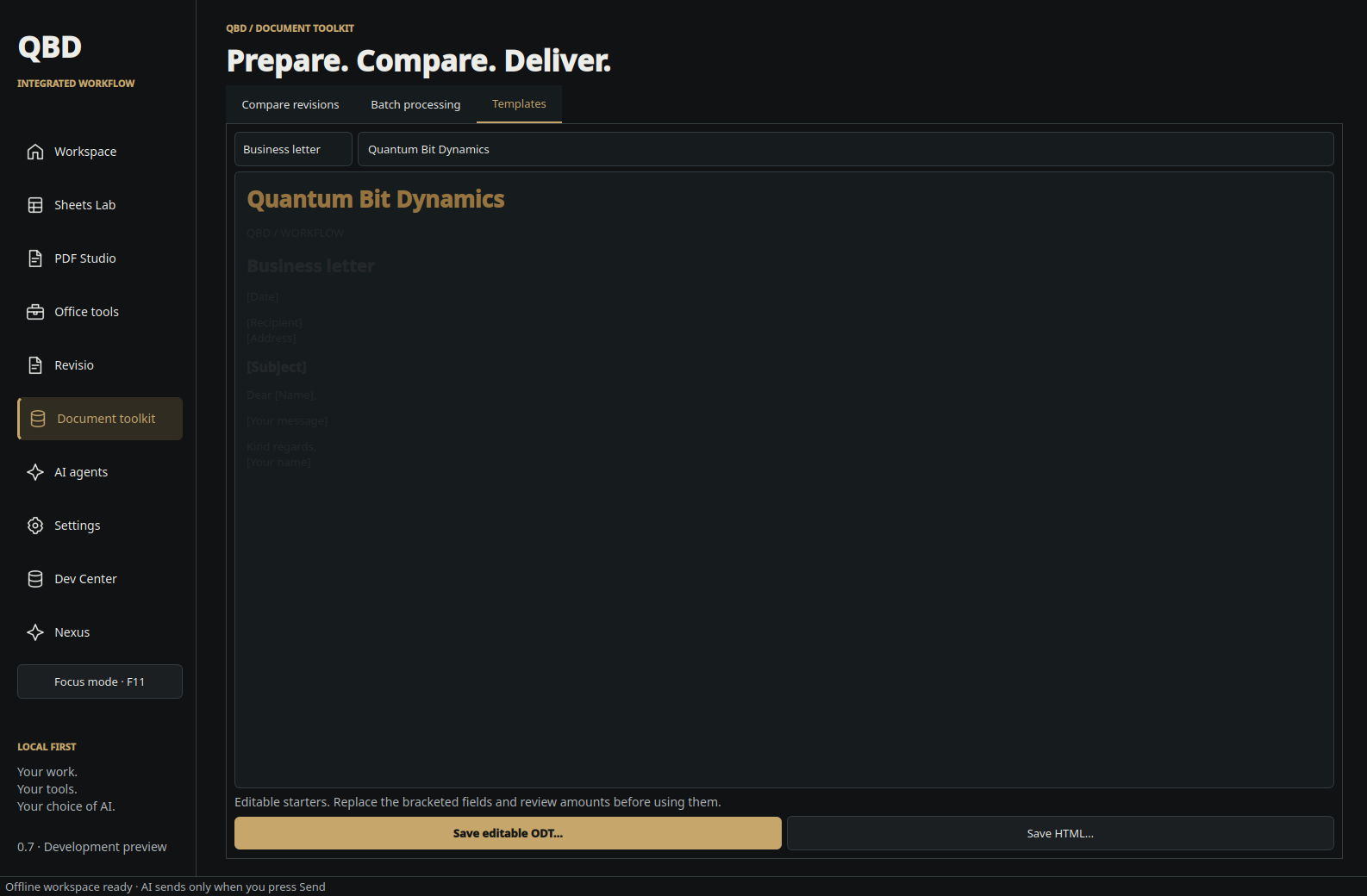
- Compare extracted text from document revisions and save the differences. Create editable ODT or HTML starters for letters, quotations, invoices, meetings and review reports.
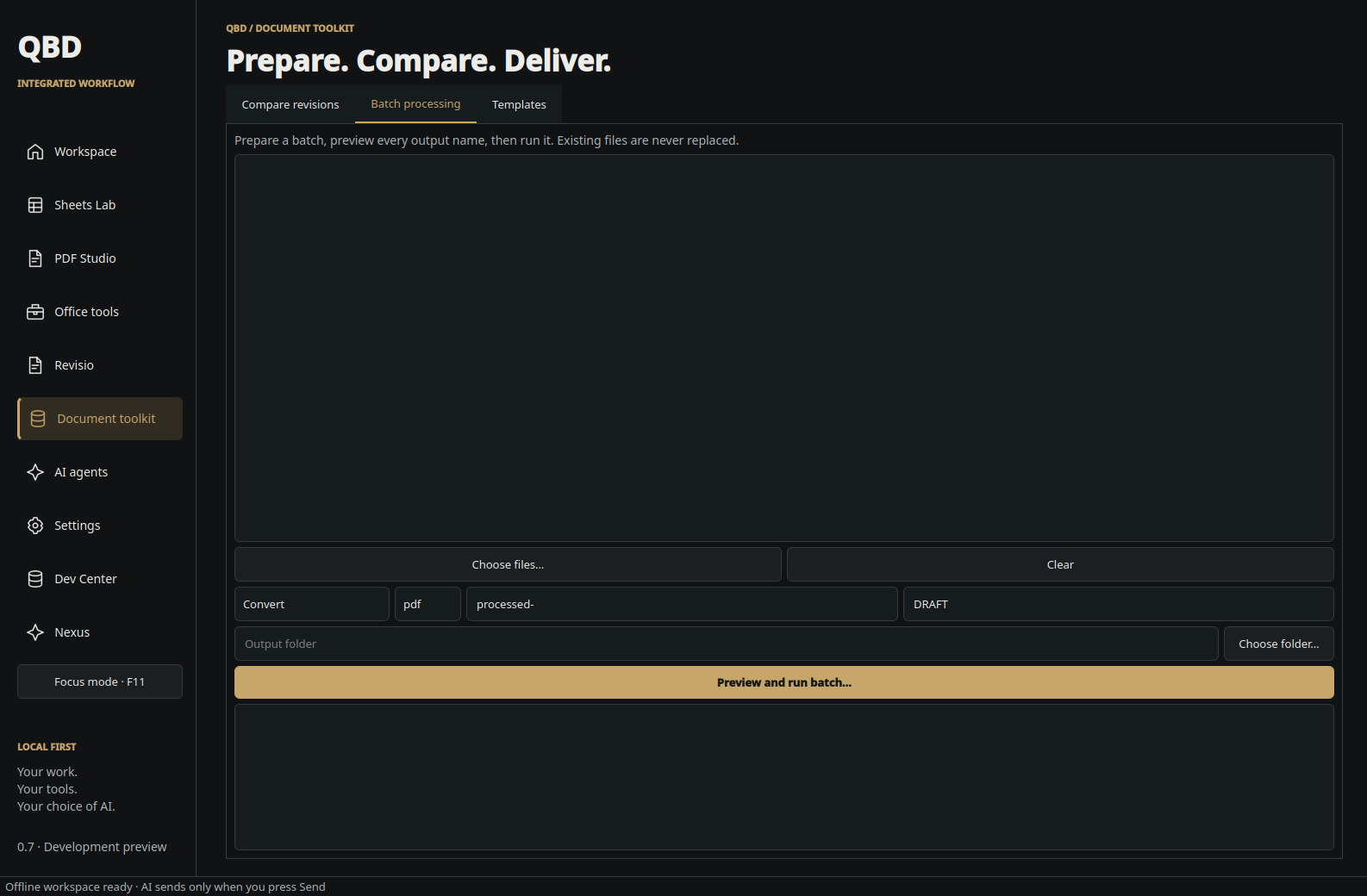
- Preview batches before converting documents, copying them with new names, watermarking PDFs or compressing them.
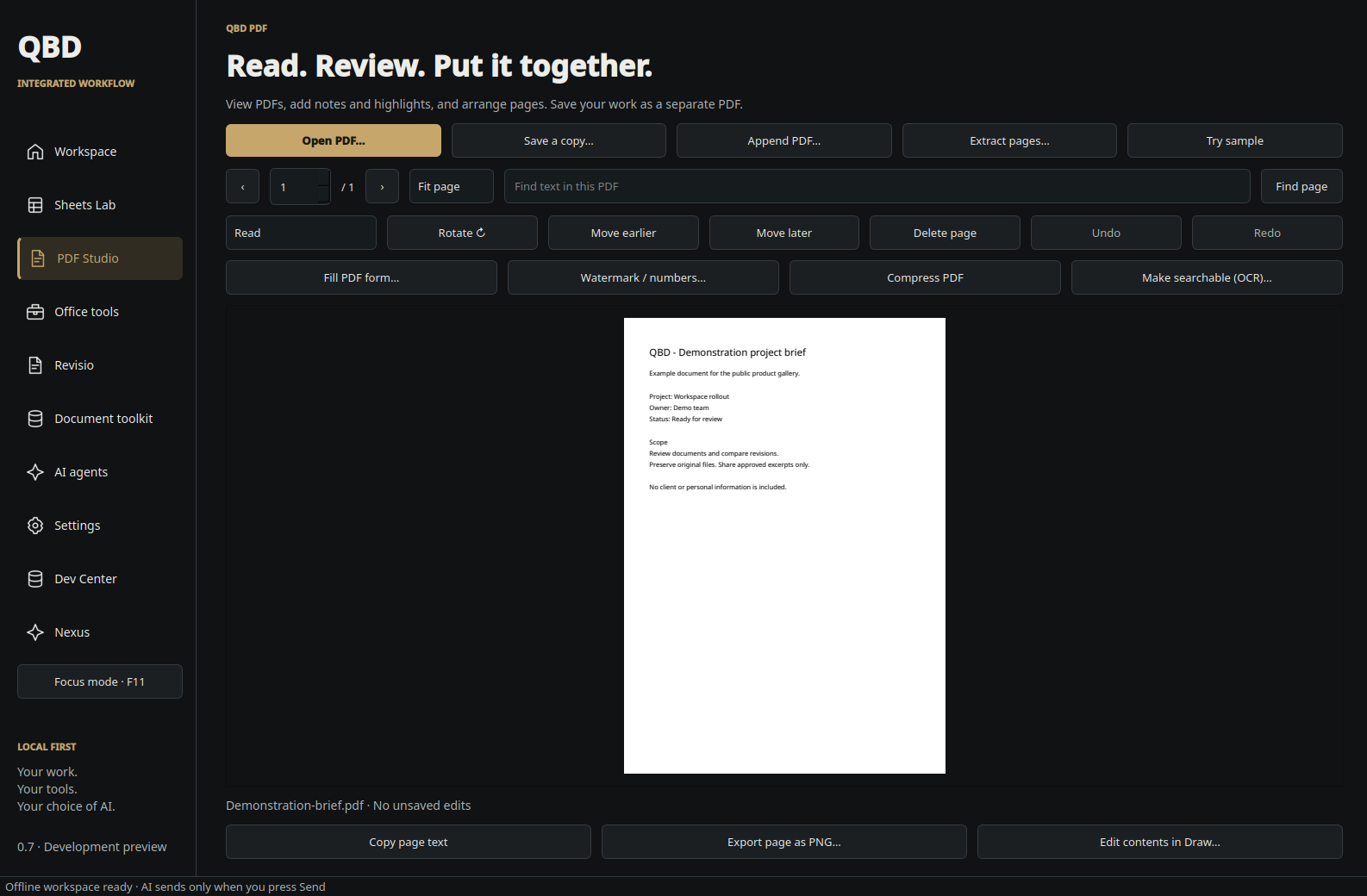
- PDF Studio adds local OCR, supported form filling, watermarks, page numbers, compression and flattened redaction, alongside existing annotation and page organisation tools.
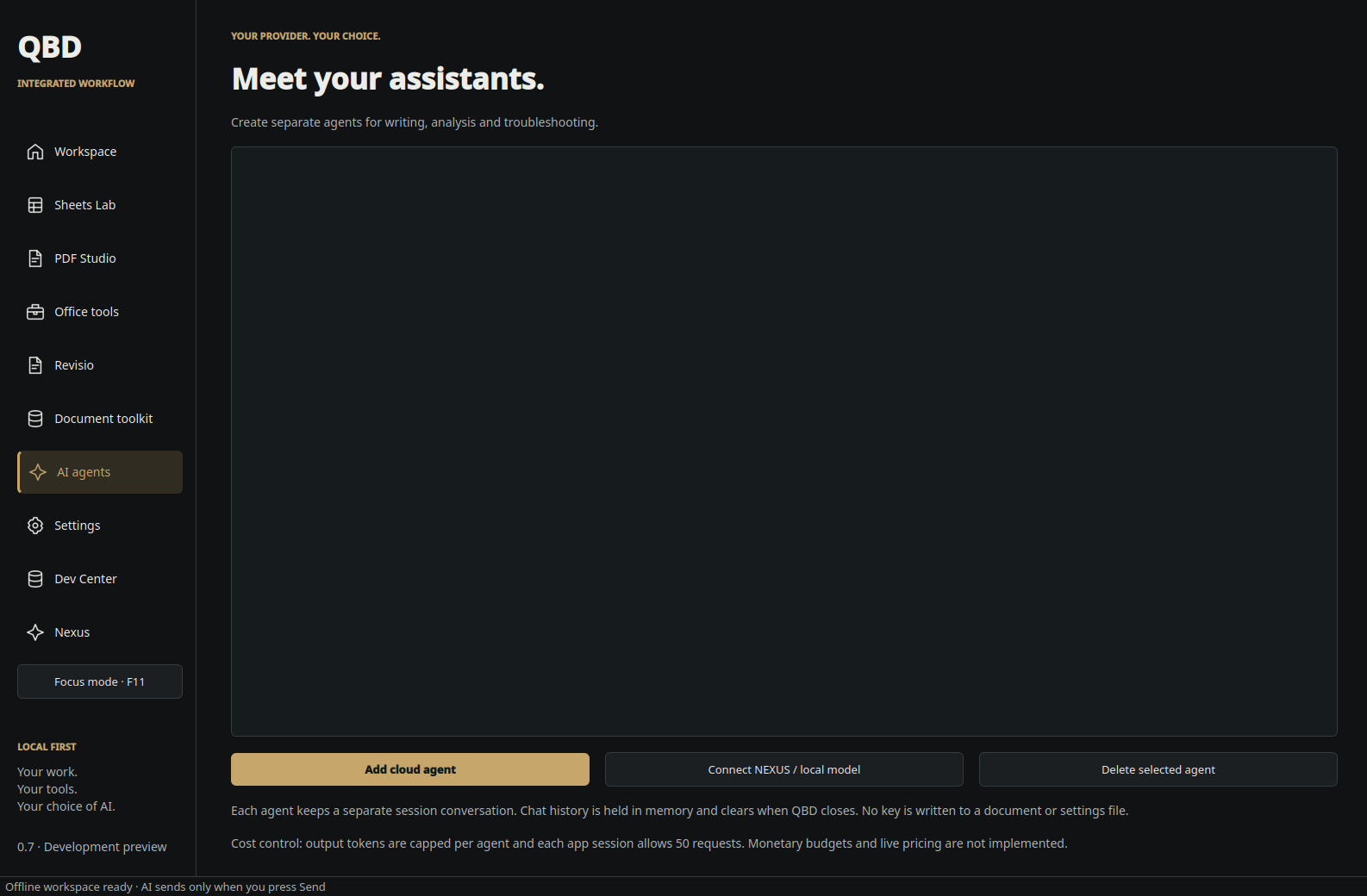
- Connect an installed local Ollama model from the service used by NEXUS. Optional cloud agents remain available with your own API keys.
About this preview
Workflow remains a development preview for Bazzite testing. Earlier releases verified the local Revisio review cycle, theme persistence and desktop startup; current Nexus checks cover port recovery, service shutdown and its embedded interface.
New Revisio workspaces start empty; upgrades retain existing records. Finance records and documents stay on this computer. Remote client access requires separate hosting. Luna AI, email delivery and M-Files remain simulated, as in the original DocFlow application.
Document comparison checks extracted text, not formatting, images or spreadsheet cells. OCR results need review. Redaction creates a new image-only PDF, removing selectable text, forms and links from the output. Original files are preserved. Digital signing and XFA forms are not included.
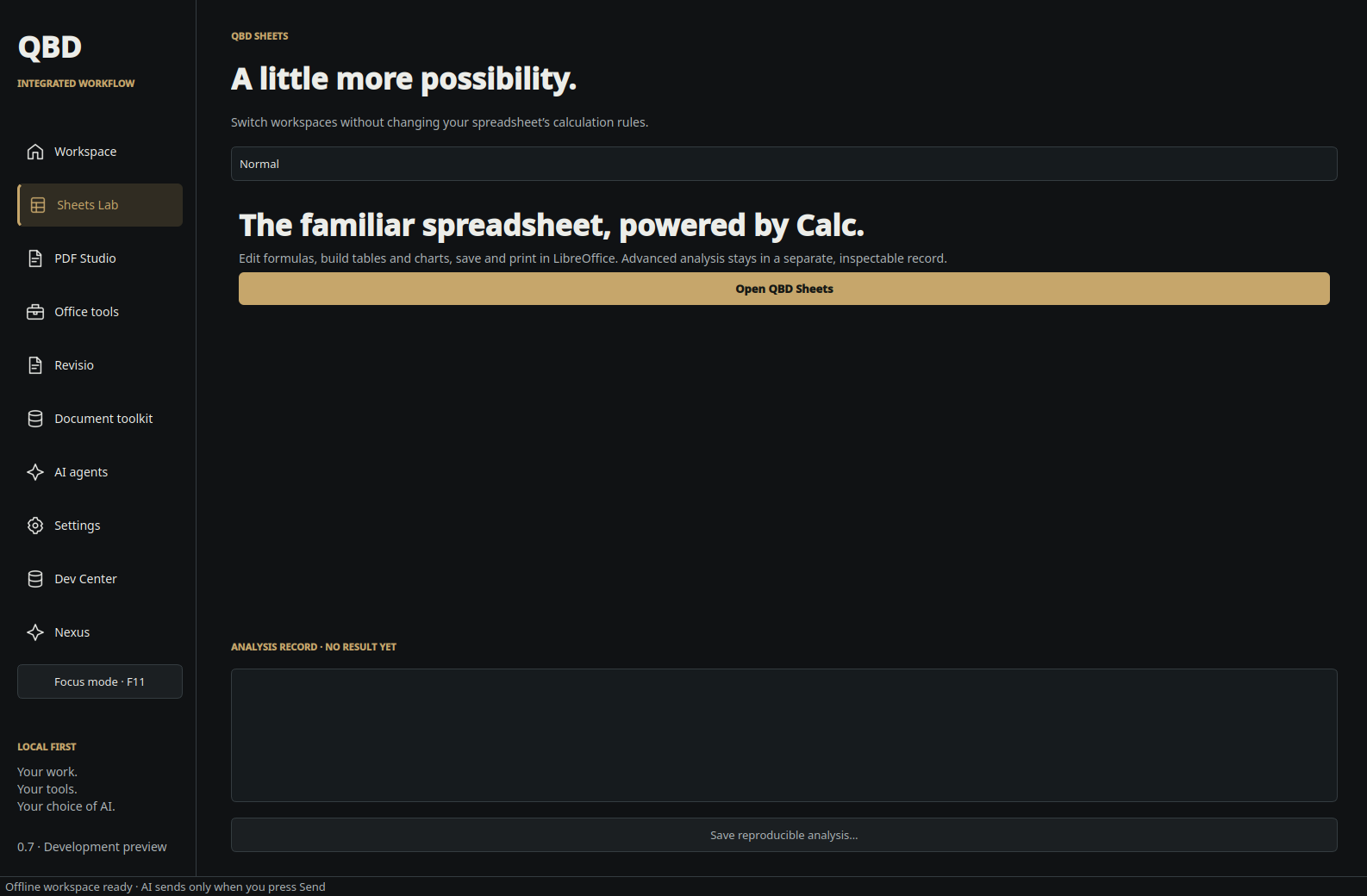
ArtCraft editors use their own windows. Historical LibreOffice screenshots and notes describe earlier releases. The original local-AI panel uses installed Ollama models. The separate NEXUS app opens its existing conversations and memory in place. AI is optional, and document context is shared only when you choose to send it.
Earlier releases · 0.1.0–0.2.0
0.2.0 — PDF Studio & office tools
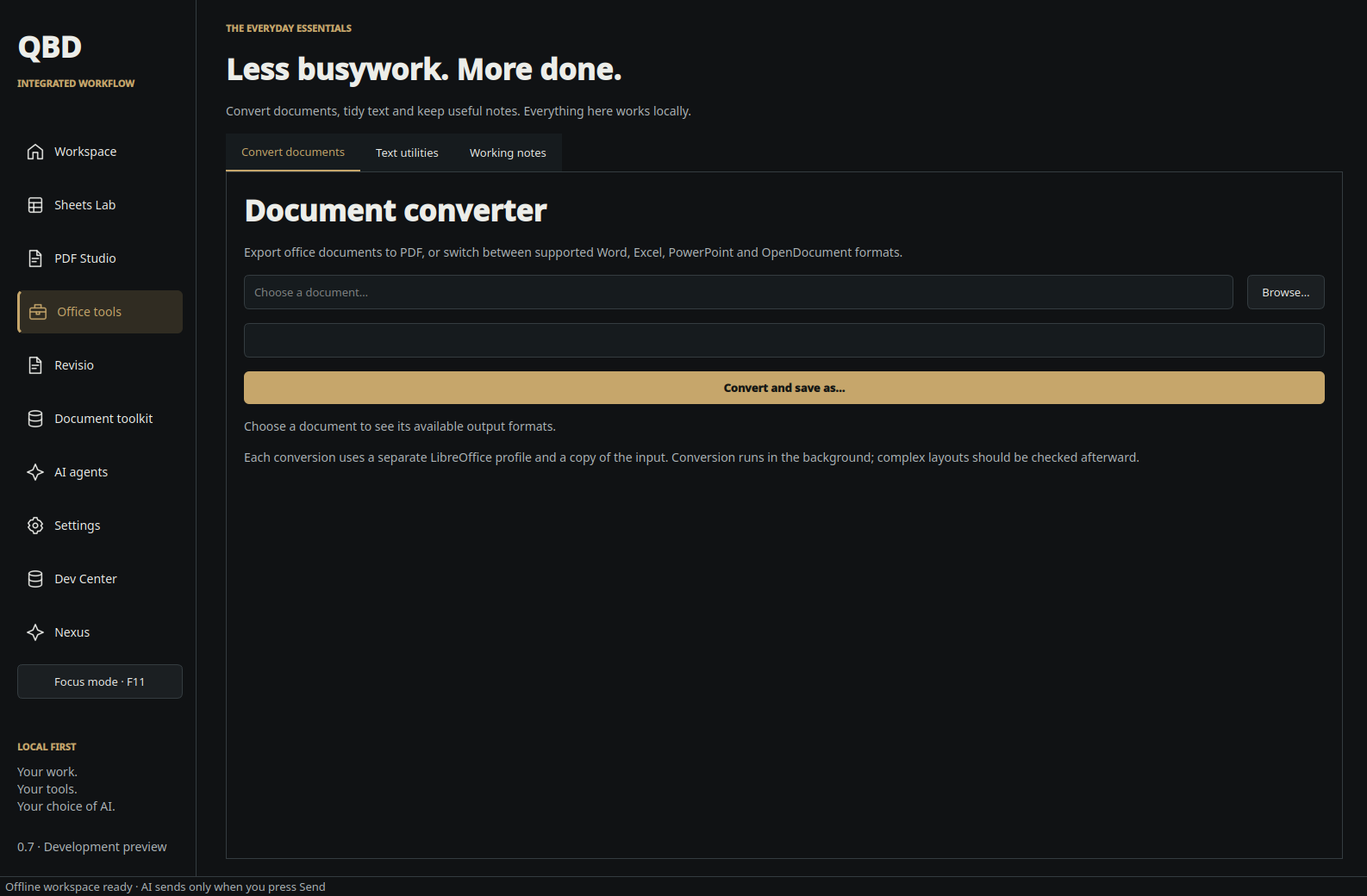
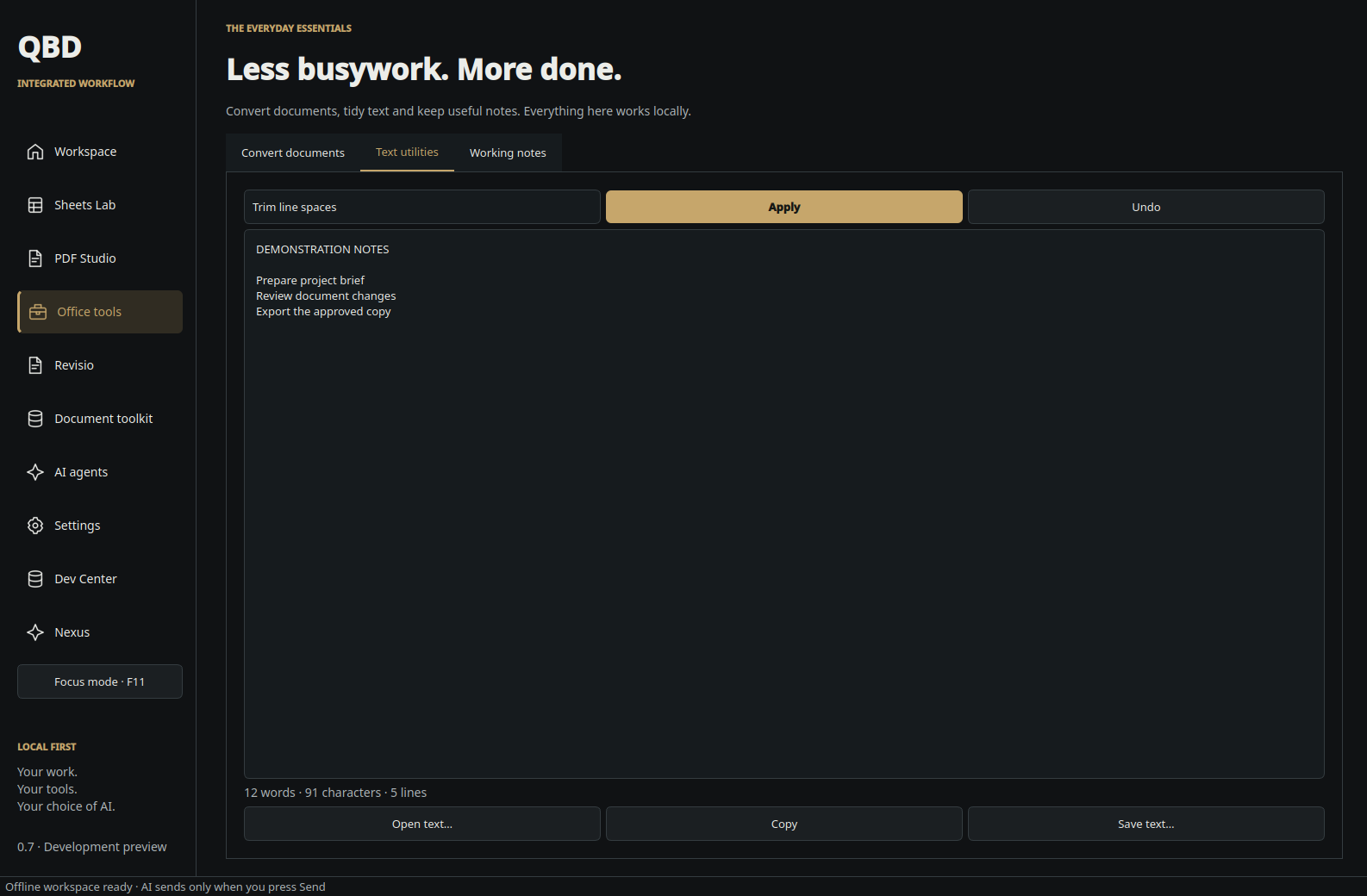
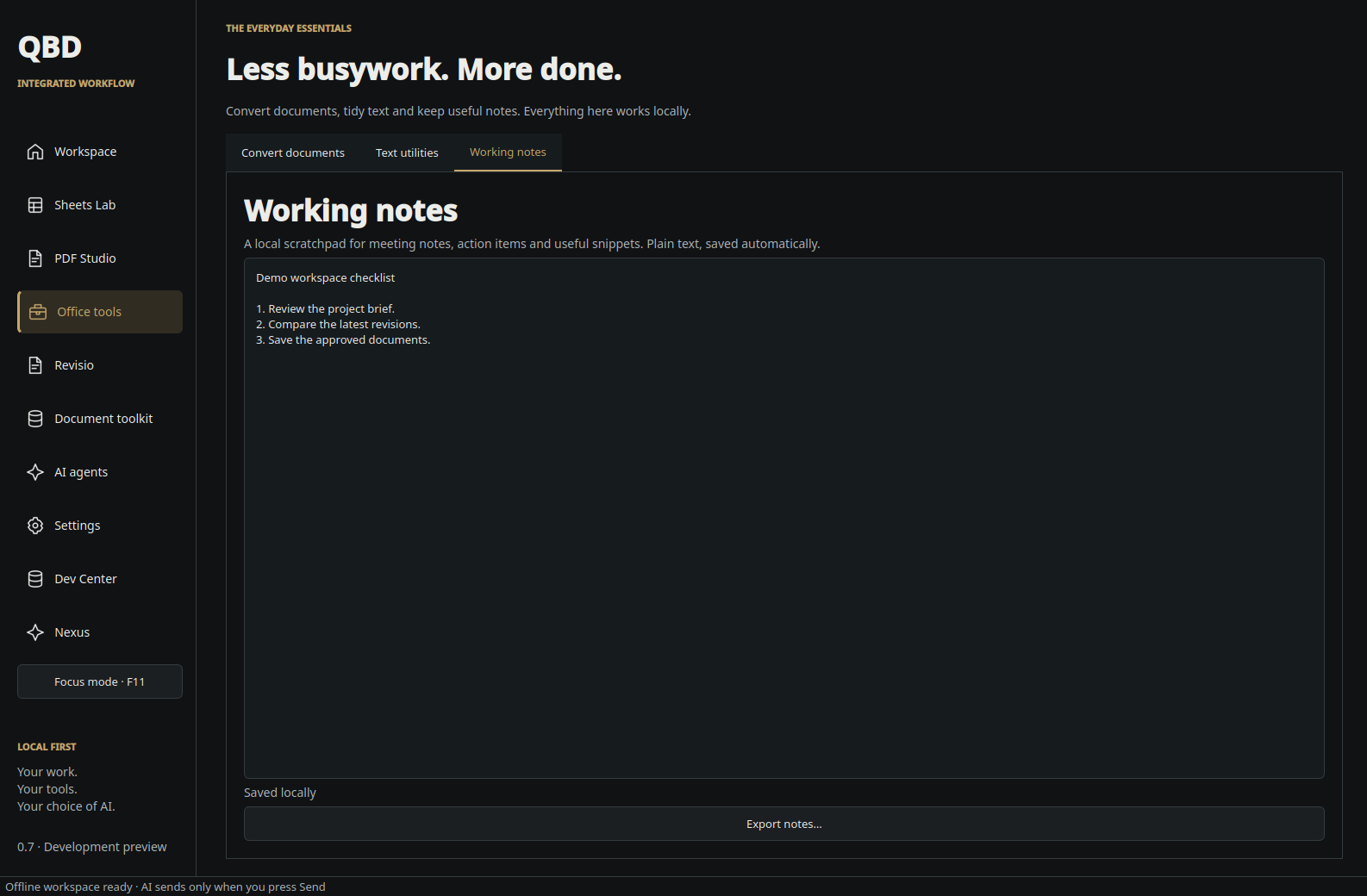
1 October 2026. QBD Office became QBD Workflow. Added PDF viewing, search, annotations, page arrangement, merging and extraction, plus file conversion, text utilities and working notes.
0.1.0 — The original QBD Office workspace
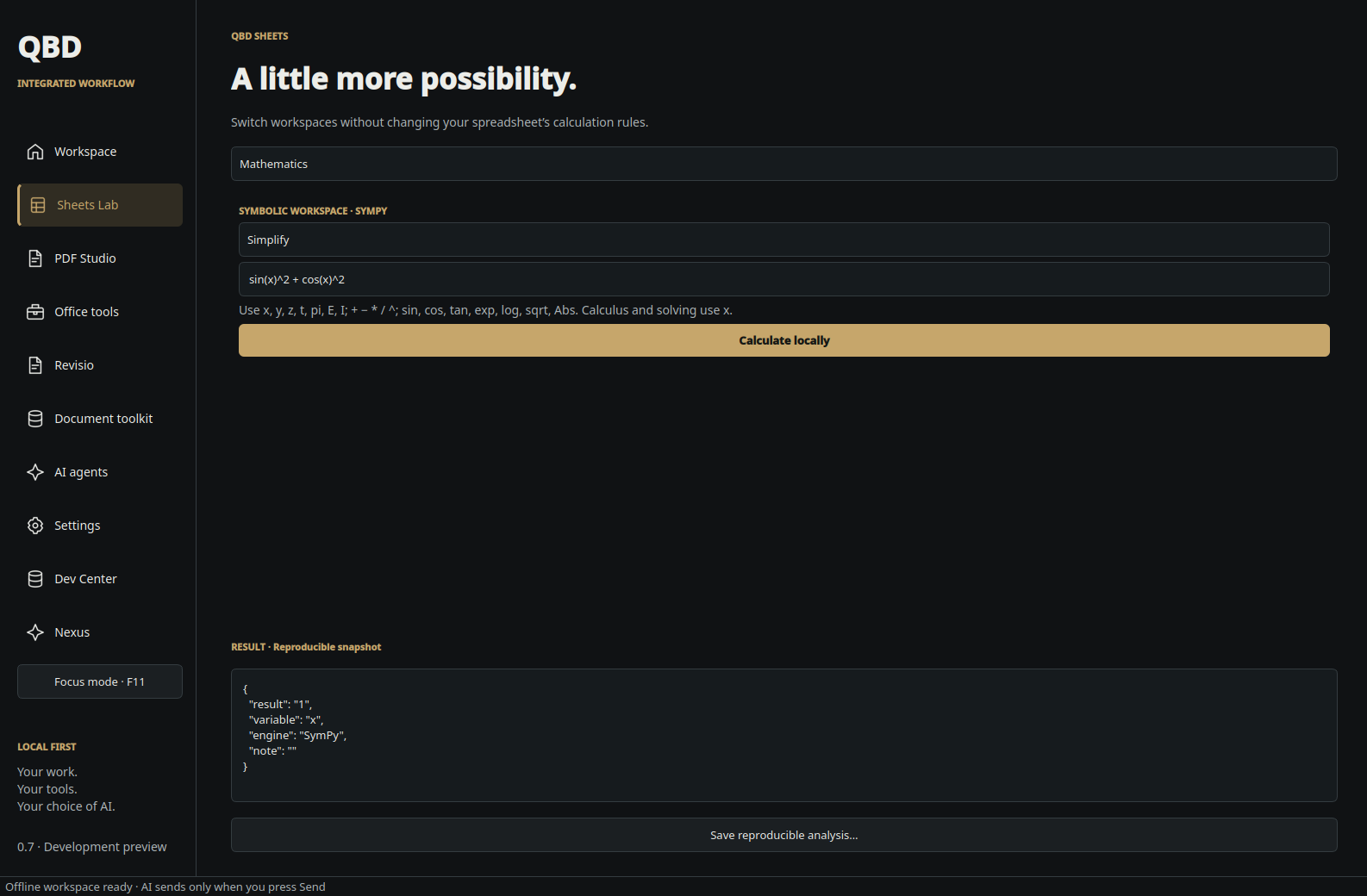
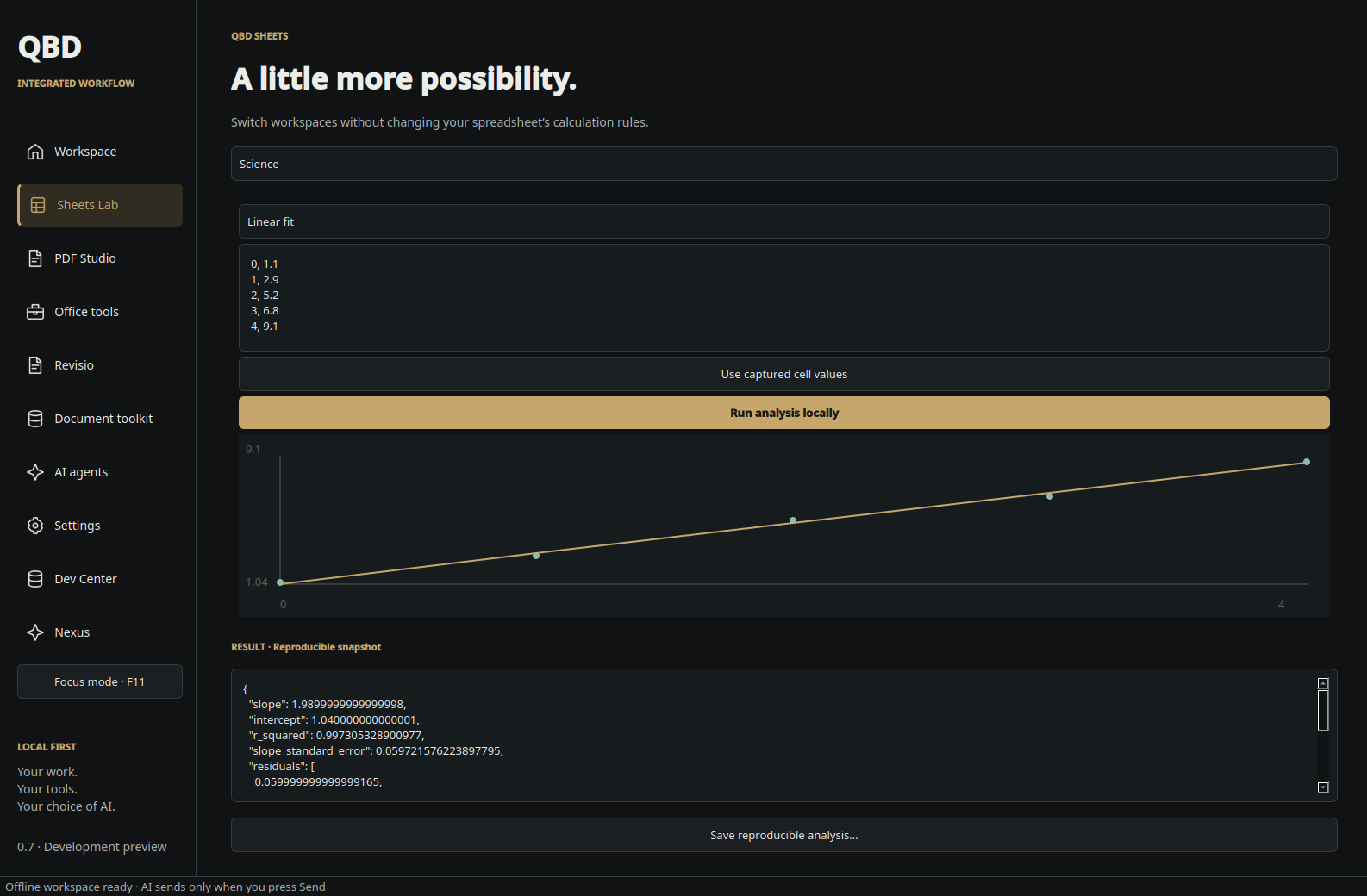
23 September 2026. Introduced the native office workspace, a separate LibreOffice profile, mathematics and science tools, optional provider chat and an extension for explicitly sharing selected document context.
Nexus AI workspace & earlier standalone history
1.4.2 — 2026-10-26 development update: Coding tools, reviewed Blender skills and training pilot
- Added revisioned Python and JavaScript project creation with LangGraph checkpoints and real isolated test execution. Earlier source revisions remain available. Checkpoints record execution; they do not yet provide automatic crash recovery. Agent-written tests still require independent acceptance review.
- Integrated the reviewed Aurora Blender v0.1.1 JSON scene helpers: curved primitives, custom polygon meshes, materials, lights and cameras. Corrected geometry scaling and missing-face validation were independently checked with 20 validation tests and 12 Blender regression checks. Fresh mouse and vessel renders were inspected. The new build tool supports cancellation; saving a scene does not certify its visual quality.
- Added an opt-in Self-improvement control for bounded local coding practice. Switching it off cancels its current practice task. Practice results remain review candidates; this mode does not retrain weights, deploy changes, or maintain a continuous connection to Codex.
- Completed a separate local Unsloth QLoRA pilot using 89 synthetic examples and 12 held-out checks. Scores improved from 8/12 to 11/12, with one arithmetic/tool-selection regression. The adapter was not activated. This small evaluation is not evidence of broad competence.
- DSPy is installed for further optimization experiments; no optimized program is claimed. Heretic and additional agent frameworks are not part of this release.
- Existing voice, desktop-control and phone connectivity limitations remain; this update does not establish new end-to-end verification of those features.
1.4.2 development preview — Neural atlas and automatic roles (25 October 2026)
- Neural atlas exposes local-model metadata with expandable layer clusters. Brain geometry, links and pulses are illustrative, not measured neuron activations.
- Persistent sidebar activity display supports dragging its border, remembered width, glowing pulses and reduced-motion preferences.
- Auto role is the default, combining initial specialties while retaining manual choices and existing task-mode boundaries.
- Local source discovery, Graphify relationships, Obsidian-compatible shared memory and REA static JavaScript/Electron evidence support review. OCR supports local project-document search. Memory is retrieval, not model retraining.
- Tests verified routing, UI default selection, resizing and persistence. The latest live agent-task test was blocked by the conservative memory guard; no completed inference is claimed for that test. Native decompiler engines remain unconfigured. Code-review quality and coverage require verification.
- Voice, screen control and phone access depend on their separate setup; this update does not establish universal reliability. Workflow remains separate. Private evidence and records are not published.
1.4.2 — Evidence search and indexing visibility (1 October 2026)
- Project chat immediately expands matching passages and page references, before model generation finishes. Project file search is prominently placed above the file list and works without a model; results are labelled as top matches, not exhaustive coverage.
- PDF extraction records total, processed, searchable, empty and failed page counts. Existing indexes without these measurements show unknown coverage rather than invented totals. Incomplete indexes display a visible warning.
- Added authenticated per-file Reindex. Original bytes and previous search results remain available during extraction; replacement is transactional, repeated requests do not duplicate jobs, and an extraction failure retains the previous index with an explicit warning.
- Coverage metadata uses a separate table so older installers can still read and update existing project files after rollback.
1.4.2 — Full laptop audit repair (2026-10-01)
- Services advertise the code identity captured at startup. The desktop launcher verifies both the workspace and the loaded build, gracefully restarts a stale same-version backend using its authenticated local API, and replaces a stale desktop window when starting the new service. This fixes the old backend surviving a GUI restart after a repair.
- Serve the native live-voice JavaScript asset and correct stale local-only voice wording. Asset delivery is regression-tested through the real HTTP handler; microphone/WebRTC/account entitlement is not implied.
- Straightforward project-document questions use a focused reference prompt without unrelated personal-memory or action tools, reducing prompt size and wrong-tool routing. Explicit action requests retain tools.
- Reject cyclic runtime archive symlink chains consistently on Python 3.14 in both speech-Python and Ollama extraction.
- Preserve large-file uploads and update obsolete 25 MiB rejection tests to verify acceptance and original-file integrity.
- Resolve a Python 3.14 regex deprecation in preference extraction.
- Retain the laptop-specific 27B profile, parser repairs, bounded extraction, explicit providers, saved data and version 1.4.2.
- Browser and headless launches also verify the running build. Service shutdown retains its listening socket until managed engines stop; a refused model connection can restart an already installed engine once, without downloads or retrying accepted requests.
1.4.2 — Laptop indexing and model wait repair (2026-10-01)
- PDF extraction visits all pages within the existing text/section budgets, instead of stopping at page 1,000. Parser limits are now 180 CPU seconds, 240 wall seconds and 1.5 GiB address space; extraction remains serial and isolated.
- Local model inactivity timeout is 15 minutes, preserving cancellation. Timeout messages distinguish slow processing from connection failures. This does not increase hardware capacity or guarantee large-model latency.
- Equipment-code questions search the requested identifiers and do not inherit unrelated previous user query terms.
- Existing indexes must be rebuilt from retained originals; this laptop's handover index is repaired transactionally after validation. Scanned pages still require OCR.
- Prefer the installed pdftotext extractor for large PDFs, with page-count verification and the bundled parser as fallback. No OCR is implied.
- Laptop-only local-model-options.json profile: qwen3.8:27b uses an 8,192-token context and 24 GPU layers, validated on this RTX 4070 8 GB / 16 GB RAM laptop. Other models keep their defaults. This profile is hardware-specific; do not copy it blindly to other computers.
- Live bounded 27B test: 1,194 prompt tokens and 80 output tokens in 155 seconds including 60 seconds loading; prompt evaluation 33 seconds. Output stopped at the test's 80-token cap. The earlier default-profile nonstreaming test timed out after 900 seconds.
- Equipment searches return matching paragraphs and exclude generated spreadsheet cell addresses, reducing unrelated neighbouring maintenance notes in answers.
1.4.2 — Large-file uploads (17 September 2026)
- Removed the 25 MiB project-file cap from the picker, HTTP upload route, project storage and document extractor. Removed the smaller document-attachment upload caps as well.
- File upload routes now accept requests without a fixed byte ceiling; other endpoints retain their existing request limits. Invalid uploads still receive validation errors.
- Retained document parsing/indexing safeguards, image and audio limits, and batch counts. Uploads still use memory and disk; very large documents can exceed extraction resources or produce partial indexes.
- Preserved version 1.4.2, the QBD interface, native voice behavior and installed user data. Initially applied as an installed-source repair; now also supplied as NEXUS-1.4.2-Upload-Limit-Fix-Bazzite.run using the existing user-level installer. The original handover packaging scripts were unavailable, so the self-extracting wrapper was reconstructed and checked separately.
- Preserved the exact pre-fix installed application archive and supplied NEXUS-1.4.2-before-upload-limit-rollback.run to restore its application files. The rollback installer is reconstructed from that archive, not an original handover installer.
1.4.2 — Model choice, RTX 4090 preference, ChatGPT connection and live voice
- Added Qwen 3.8 · 27B — advanced reasoning & vision to Settings → Intelligence → Download a model, using the local Ollama tag
qwen3.8:27b.
- Added the approximate 18 GB download size and a reminder that runtime and context need additional memory.
- Kept the existing download flow: click Download, then select the installed model under Active model and Save settings. Installing the app update does not download or activate the model automatically.
- Added automatic preference for a detected RTX 4090, selected by stable GPU UUID, for Ollama processes NEXUS starts. Those processes exclude AMD/Vulkan devices; other hardware retains automatic selection.
- Added an AI processing readout under System → Graphics and Settings → Intelligence, separating the preferred GPU from verified Ollama GPU activity.
- Added loaded-model placement (GPU, GPU + CPU, CPU, or unavailable) and allocated VRAM, using Ollama's real model status. General desktop graphics activity is not used as proof of AI GPU assignment.
- Added bounded, cached background GPU diagnostics so status checks do not repeatedly delay the interface. Missing drivers, unavailable readings, unloaded models and external Ollama engines are identified explicitly.
- Kept external engine settings and system GPU/driver configuration untouched. The preference takes effect when NEXUS starts a new engine.
- Preserved the existing desktop interface, QBD companion, chats, projects, voices and current model selection.
- Retained exact 1.4.1 installer and source rollback packages as the user-confirmed working baseline. Earlier rollback packages remain available.
- Added optional ChatGPT subscription sign-in, using OpenAI's official Codex App Server. Pro users can use their included Codex allowance, subject to plan limits and model access; this does not use separately billed API keys.
- Added Local · Ollama and ChatGPT subscription provider choices, with account-aware Sol / Astra model selection and supported reasoning levels, including Max / Ultra when available.
- Passed the selected model and reasoning level unchanged to the runtime. Ultra additionally requires its automatic subagent feature; unsupported choices stay unavailable rather than silently becoming another mode.
- Added explicit connection installation, browser sign-in, pending-login cancellation, account refresh and sign-out. Codex installs privately without system package changes; the saved online provider reconnects on startup. Local mode never installs or signs into Codex automatically.
- Kept local Qwen selection separate from the online model. Errors do not silently switch providers. Existing chats, project documents, settings, models and voices are retained.
- Made the interface distinguish local and online processing. In ChatGPT mode, the current conversation, relevant memory/project excerpts and included images are sent to OpenAI. Project indexing remains on the PC. The earlier 1.4.2 online build used local speech workers; the live-voice addition below provides native online audio, with local speech retained as an explicit option.
- Connected online answers to existing project sources, conversation recall, public web browsing and NEXUS action handling. Computer actions retain the existing review controls. Intermediate model reasoning and tool planning do not reach chat or voice.
- Kept background screen analysis local. Explicit screen questions can send their captured frame to the chosen online model; a stopped or restarted sharing session invalidates the answer. Explicit camera scene watching identifies online frame transmission.
- Answered model identity questions from NEXUS settings instead of relying on a model's self-description.
- Retained the exact earlier 1.4.2 before-OpenAI installer and source ZIP for rollback, as requested. This remains 1.4.2, with no version increment.
- Repaired the online conversation-start request rejected after sign-in: the
thread/start sandbox option now uses the runtime's accepted read-only value. The separate turn/start policy keeps its required readOnly type.
- Changed browser sign-in to finish on the local success page, avoiding the hosted page's attempt to open an unregistered
codex:// application link.
- Added a clear settings note that ChatGPT sign-in does not import existing ChatGPT projects or conversations. Account-history synchronization, export import and provider-specific history filtering are not included in this repair.
- Provided the repaired installer as NEXUS-1.4.2-OpenAI-Fix-Bazzite.run to distinguish it from earlier downloads with the same application version.
GPU routing and readout behavior passed mocked checks; actual RTX 4090 inference must be confirmed on the PC using the new readout. Model weights remain a separate download.
The user reached a connected account state, then reported a rejected conversation-start request. The earlier automated checks did not catch that request-value mismatch. The repaired request was accepted by the isolated official runtime, which also reproduced the rejection of the old value. Regression checks cover both request forms. No account credentials or model generation were used in that verification. Completed Sol/Astra answers and the revised browser sign-in flow still need confirmation on the user's PC.
### Same-version addition — GPT live voice
- Supplied the refreshed installer as NEXUS-1.4.2-GPT-Live-Voice-Bazzite.run, retaining application version 1.4.2. Added GPT live voice · interrupt naturally in Settings → Voice for the online ChatGPT provider. Once selected and saved, the message-bar microphone starts native online input/output instead of running local Whisper, Kokoro or Piper. No local speech download is required for this mode.
- Kept microphone capture open while OpenAI speaks so its live service can handle spoken interruptions and natural turn-taking. The same call remains active when NEXUS is minimized to the QBD companion.
- Live speech uses the official runtime's GPT-Live model. The selected Sol/Astra model and reasoning effort configure its backing task thread; they are not substituted for the speech model. Voice choices and defaults come from the runtime.
- Used the subscription connection without an API key or separate API-billing fallback. Native voice is experimental and depends on account/service eligibility. A successful sign-in or a displayed voice catalogue does not guarantee a live call; failures are shown without silently switching to local speech.
- Added an explicit Local recognition and local voice · GPT text replies setting for the previous pipeline. Local Ollama continues using local speech.
- The main Stop button, active GPT live voice · stop control and Escape end the live call and release capture. Speaker mute affects output only; microphone audio still streams while muted. The companion End GPT live voice stop control also ends the call, and its microphone control ends listening.
- At live startup, supplied recent conversation text, saved preferences and the selected project's file inventory within a fixed context budget. This release does not provide a live screen/camera feed, file-content retrieval, web search or computer actions inside that call. Normal typed chat retains its existing tools, documents and screen features after the live call ends.
- Saved only final user/assistant transcript text into the current NEXUS conversation, with duplicate-event handling. NEXUS does not save raw audio, SDP or hidden model reasoning.
- Added session-specific cancellation, remote cleanup, a 45-second heartbeat lease for an abandoned window, and shutdown/logout handling. Switching conversation, provider, model, reasoning level, voice mode, voice selection or microphone ends the old call. Revalidated settings during startup so an earlier request cannot silently start with obsolete settings.
- Reserved the conversation engine until live shutdown completes. Typed messages cannot be added while that reservation is still stopping.
- Preserved the exact NEXUS-1.4.2-Bazzite-before-live-voice-rollback.run installer and matching source ZIP. Application version remains 1.4.2, with no data-schema change or removal of existing models, voices, chats or project files.
Automated checks cover the live protocol, provider/mode routing, transcript persistence, interruption controls, cancellation, settings/start races, heartbeat expiry and shutdown. The official runtime's protocol and voice catalogue were inspected without authentication or audio/model generation. Account-authenticated live calls, Bazzite microphone playback, interruption quality and response latency remain unverified on the user's PC; no exact parity with ChatGPT's consumer voice mode is claimed.
Current build
1.4.2 — Evidence search and indexing visibility (1 October 2026) is the latest completed update. It includes the large-document indexing and model-wait repairs, reliable replacement of an older running backend, and the preceding 1.4.2 features.
- Read matching project passages and page references before the model finishes. Direct file search works without a model.
- Check PDF page coverage and incomplete-index warnings. Use Reindex to rebuild from the saved original; existing passages stay searchable during processing.
- Updates preserve conversations, project originals, settings and downloaded models. Launch NEXUS from the application menu after updating to activate the changed backend, even when the displayed version remains 1.4.2.
- The latest application passed 617 Python checks and 267 JavaScript checks; one optional Python runtime check was skipped. Installer preservation and rollback checks passed. Automated interface checks do not establish physical microphone or screen-sharing behavior.
Project search uses extracted text. Automatic OCR is not included; scanned pages and diagrams may need separate review. Search shows top matches and is not an exhaustive document audit. Large models can still take several minutes, depending on hardware and prompt length.
Local voice processes complete utterances. Experimental GPT live voice is a separate online mode; successful asset and routing tests do not establish account entitlement or working live audio. Provider choice remains explicit.
The current installer is NEXUS-1.4.2-Evidence-Search-2026-10-01.run. The preceding full-audit installer and older release packages are retained for rollback. Application replacement preserves the local data folder.
Earlier releases
Release history from 1.0.0 to 1.4.2, compiled from the saved release packages and their source changes. Release entries are chronological; the current-build summary identifies the latest update. These notes describe the released builds; installing the latest build on a particular PC is a separate step.
1.0.0 — First local NEXUS release
- Built the original NEXUS assistant for Bazzite, inspired by the requested JARVIS demonstration.
- Delivered a user-level installer, ZIP source package and desktop-menu launcher. The interface runs locally at
127.0.0.1:8765.
- Added local Ollama chat, model-download controls, saved conversations and settings, plus optional AMD support downloads.
- Added local speech recognition, the Lessac voice, microphone recording and hands-free activation using “Nexus”.
- Added document attachments for text, Markdown, CSV, source files, PDF and DOCX, along with saved notes and an interactive memory graph.
- Added tools for finding files, checking system usage, launching supported apps, writing workspace files and drafting invoices. Actions initially required individual approval.
- Included basic web search and camera/screen image input with a vision-capable model.
- Included focus sessions with optional browser reminders and optional private Telegram chat.
1.0.1 — Cleaner answers and more voices
- Strengthened filtering so marked model thinking and intermediate tool commentary would not appear in answers or be read aloud.
- Applied that filtering to reopened conversations, copying and exports as well as new replies. Replies were buffered to avoid exposing unfinished reasoning fragments.
- Added eight enhanced voices: George, Fable, Daniel, Lewis, Emma, Isabella, Michael and Heart, while retaining Lessac.
- Added voice previews, playback stopping, speaking-speed adjustment and a shared enhanced-voice download.
- Allowed enhanced speech setup independently of microphone recognition. Existing voice choices, models and conversations were retained during updates.
George provides a composed British male option; it is not an exact reproduction of the film character's voice.
1.0.2 — Startup and update repairs
- Fixed the model crash reporting “cannot get current path: No such file or directory” after updates or removal of a launch folder.
- Started NEXUS and its managed model processes from the persistent data folder.
- Improved update handling to stop the matching running NEXUS instance and recover stranded NEXUS-managed Ollama processes before replacing application files.
- Added the running-server version to the footer.
- Added a restart explanation when updated voice controls were connected to an older server, which could make George appear missing.
- Preserved conversations, settings and downloaded models through upgrades.
1.0.3 — Trusted commands, screen awareness and personalization
- Added Trusted mode · Act on my commands, allowing routine supported actions without repeated approval. Individual approval remains available as a setting; overwrites and arbitrary shell commands still require review.
- Added Watch screen, with a separate local vision model and periodic descriptions of the selected screen or window for the current conversation. Sharing uses the normal screen picker and has a visible stop control.
- Added public webpage reading and a default-enabled internet setting, extending the existing web search.
- Added learning from explicit preferences and corrections, with controls to review, edit, delete or clear remembered preferences. This updates remembered context rather than retraining the model.
- Expanded invoice drafts with user-supplied tax/VAT rates, tax IDs, payment terms, notes and dates.
- Fixed enhanced-voice installation errors caused by incompatible system Python versions. Speech setup now selects or downloads a private compatible Python runtime, leaving Bazzite's system Python unchanged.
1.0.4 — Voice repair and faster responses
- Fixed the shared enhanced-voice failure mentioning
espeak-ng-data/phontab or /home/runner/work/espeakng-loader/. The repair applies to George and the other enhanced voices.
- Added direct local handling for commands such as Open Steam, Start Spotify, Open calculator, Volume 50%, time and system status, avoiding an AI-model request for supported commands.
- Kept speech workers loaded between turns to reduce repeated startup delays.
- Shortened hands-free silence detection and initially used faster transcription settings. These settings were refined for recognition reliability in 1.1.0.
- Added completed-answer streaming for supported replies, sentence-by-sentence speech and preparation of the next audio clip while the current clip plays. Tool-using replies remain buffered.
- Reduced repeated conversation and note context, retained chat models longer, and stopped ordinary chat from waiting for a fresh screen analysis.
These changes reduce avoidable waiting; no measured “2–5× faster” result was established.
1.1.0 — QBD appearance, voice reliability and projects
- Reworked the appearance around the original gold QBD atom logo, a warm dark background, gentle logo movement, particles and rings.
- Added Voice view, animation pausing and support for reduced-motion preferences.
- Prepared installed voices earlier and allowed recognition and enhanced speech workers to operate concurrently. Added a small cache for repeated short spoken responses.
- Added microphone selection, sensitivity adjustment and configurable pause-before-sending controls.
- Improved hands-free capture with buffered audio, an eight-second window between “Nexus” and the command, and more accurate short-command recognition settings.
- Added direct mute/unmute and music playback commands for supported installed media players.
- Improved Stop so it cancels the matching model response as well as queued speech. Added measured response and audio timing information.
- Introduced Projects & files: persistent project document collections and separate discussions, suitable for projects such as IB Cutters.
- Added local project file search for text-based PDF, DOCX, XLSX, XLS, TXT, Markdown, CSV and TSV, with document references and source excerpts in answers.
1.2.0 — Project sidebar, batch uploads and conversation recall
- Replaced the project popup with a left-side folder overview containing each project's files and discussions.
- Added clearer multiple-file selection and drag-and-drop uploads, with separate progress and results for each file. One failed upload does not discard the rest.
- Added Delete project with confirmation. It removes the project's copies, search index and saved discussions while leaving source files elsewhere on the PC intact.
- Added explicit recall across saved local conversations, including project discussions: for example, “What did we discuss about cutter bearings in another chat?”
- Added past-conversation references showing the original chat, date and project, with links to reopen that discussion.
- Updated the browser-tab icon to the actual gold QBD logo and the title to NEXUS · Quantum Bit Dynamics.
- Matched the project navigation and source references to the gold interface.
Conversation recall searches this NEXUS installation's saved chats. It does not automatically access ChatGPT conversations or another PC's history.
1.2.1 — Internet search and webpage-reading repair
- Separated internet access from desktop-tool permissions and enabled it once on upgrade, as requested. A later choice to turn it off is retained.
- Made explicit web-search and URL-reading requests perform a real network request before asking the local model to summarize the results.
- Added search-provider fallback when the first provider fails, with clearer reports for provider blocks, connection errors and timeouts.
- Improved public webpage reading, including compressed responses and links that the assistant can follow.
- Added persistent Web sources to answers and saved conversations. Retrieved results remain available if the local model cannot summarize them.
- Replaced generic internet-denial responses in these flows with retrieved results or the actual failure.
- Added Settings → Personal → Test internet to check both public webpage access and search using the PC's connection.
The web reader handles public pages; logged-in sites and pages requiring JavaScript still need a browser. Automated checks covered the repair, but a successful live search on your PC still needs confirmation through Test internet.
1.3.0 — QBD cockpit layout
- Reworked the interface around the approved gold QBD cockpit concept, retaining the animated atom and motion controls.
- Made the active project or general workspace prominent, with a separate discussion title and clear file-search scope.
- Integrated the compact project tree into the main left navigation while retaining the full project manager for uploads, search and deletion.
- Grouped the right panel into System, NEXUS Status and Workspace Context, using real application and hardware state.
- Made Send the primary gold action, while keeping voice, screen sharing, attachments and Stop within reach.
- Retained the small live clock in its previous top-right position, including compact layouts.
- Added Conversation mode for follow-up voice messages without repeating “Nexus”. Listening resumes after replies, with optional wake-word mode and a visible stop control.
- Preserved the existing local chat, voice, web, recall and project services without changing the database schema.
- Kept the 1.2.1 rollback installer and source package separately so the previous interface can be restored.
1.3.1 — Sidebar correction and screen vision repair
- Restored the original gold QBD atom and NEXUS | QUANTUM BIT DYNAMICS header above the sidebar. This branding correction keeps the same 1.3.1 version.
- Repaired the remaining “cannot see” reply despite active sharing: visibility checks use actual session state, and visual questions receive the current captured frame directly. Shared frames remain temporary, local and outside saved chat attachments.
- Prevented blanket model denials from overriding an available screen observation, and stopped treating a failed vision description as a ready view.
- Fixed the project tree remaining hidden after loading.
- Matched the approved sidebar with compact gold project rows, separate expandable Files and Discussions branches, General workspace, and a small live model status at the bottom.
- Kept the project tree visible during file management, with multiple-file uploads and individual project/discussion deletion still accessible.
- Preserved the QBD core, clock and Conversation voice mode.
- Routed attached screenshots and camera images to an installed model with verified vision support, automatically using the separate vision model when the selected chat model is text-only. Follow-up image questions retain visual context.
- Removed prompt wording that incorrectly suggested attached images were inaccessible.
- Kept shared-screen context available to short conversational requests and expanded recognition of screen-related questions.
- Reported failed or missing screen analysis instead of continuing blind or reusing an older failed view.
- Preserved local data and the separately retained 1.2.1 rollback package.
1.4.0 — Desktop app and floating QBD companion
- Added a separate NEXUS desktop window and application launcher, keeping the existing gold cockpit, clock, projects and conversations.
- Added Companion beside the clock. Clicking it or minimizing the main window switches to a draggable, floating gold QBD orb; expanding restores the same session.
- Animated exactly three gold electrons continuously around the fixed QBD orbital rings. The eight-second loop, lighting and speed remain independent of microphone and assistant activity.
- Added the companion status pill and microphone, stop-speaking and reopen controls. State comes from the real conversation; pending approvals remain in the main window.
- Kept an active conversation running while the main window is hidden. Minimizing does not start listening, and quitting the desktop app releases its capture.
- Added persistent desktop window placement, a tray restore/quit menu, and always-on-top companion placement for supported desktop sessions.
- Added desktop microphone/camera handling and screen-source selection, preserving the local vision pipeline.
- Added a private, checksum-verified Electron runtime download on first desktop setup, with no system package changes. The cached runtime supports subsequent offline launches; an explicit browser fallback remains available.
- Retained existing local data and the exact 1.3.1 release for rollback. The earlier 1.2.1 backup is also preserved.
Desktop behavior is covered by automated mocked tests and installer checks. Live Bazzite window rendering, microphone capture, screen portal behavior and full-screen game overlap require testing on the user's PC.
1.4.1 — Desktop startup repair
- Fixed the silent desktop launch failure: Electron imports the unpackaged application entry, which bypassed the previous
require.main === module startup guard. A dedicated entry now starts NEXUS unconditionally.
- Added startup milestones, explicit failure handling, and a 45-second interface timeout. The launcher records its own start even if Electron fails before loading application code.
- Added recovery during installation for a stuck desktop process from the matching NEXUS installation, including the old failure that never created its instance marker.
- Made the main window appear after its page has loaded even if the window's early ready-to-show event was missed.
- Pointed the application-menu entry directly to the installed gold QBD icon.
- Kept the existing cockpit, continuously orbiting companion electrons, local data, downloaded runtimes and exact working 1.3.1 rollback.
- User confirmed the repaired desktop release “works perfectly” on Bazzite. Version 1.4.1 is now the working baseline for future updates.
Startup entry, failure handling, process matching and installation passed automated checks. The user has now confirmed successful operation on Bazzite; microphone, screen-sharing and full-screen game behavior were not individually reported in that confirmation.


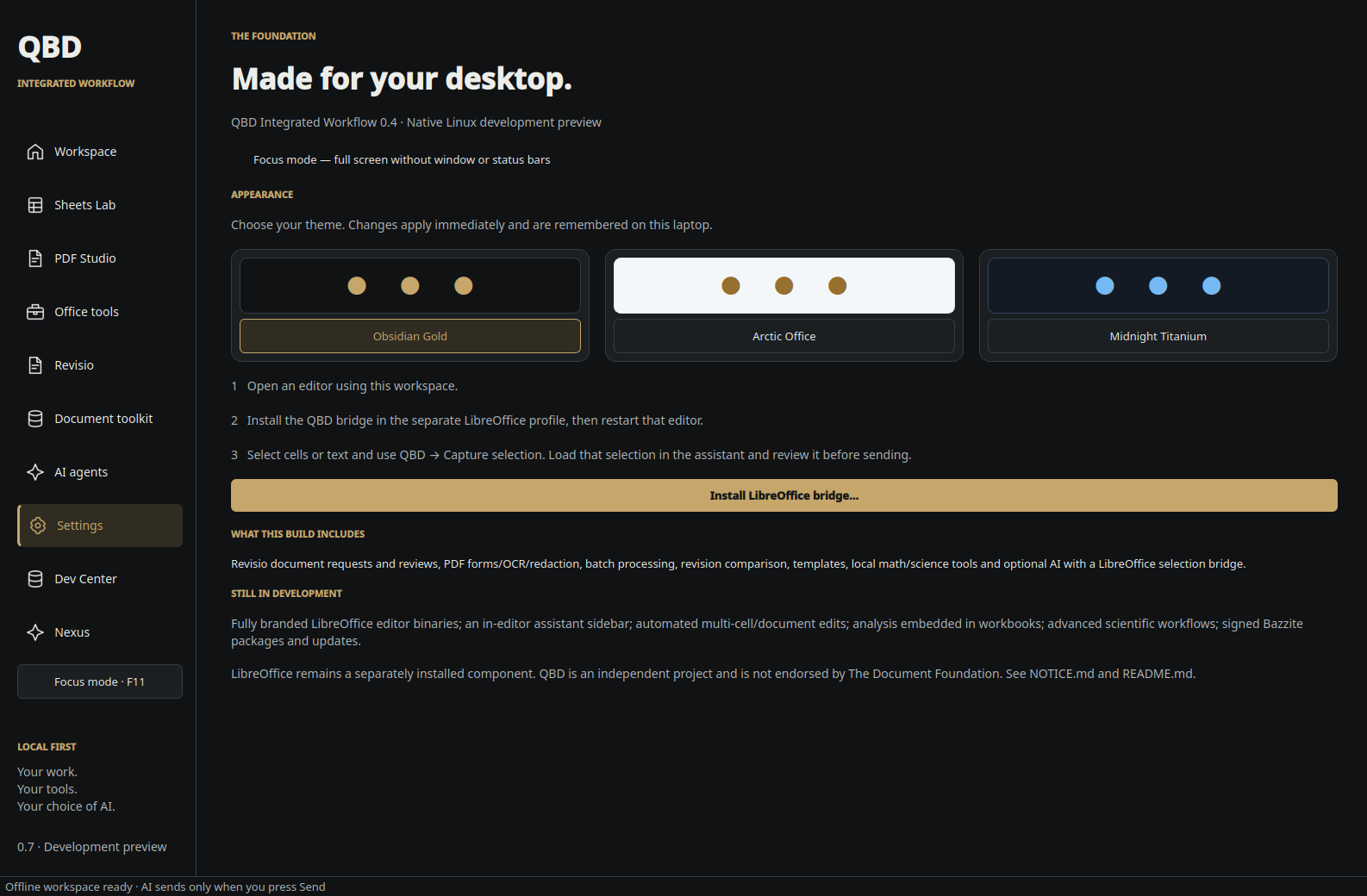
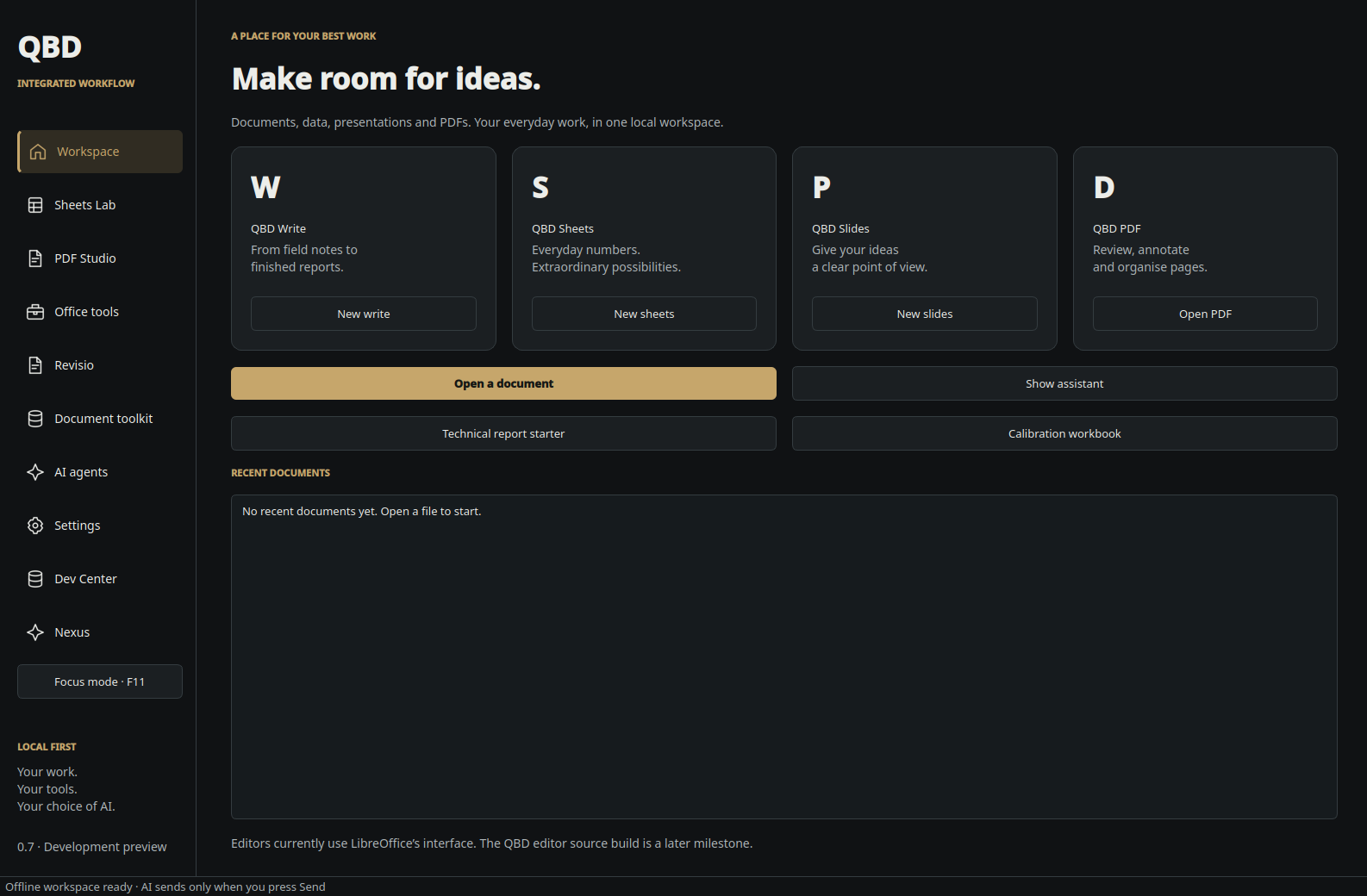 Obsidian Gold
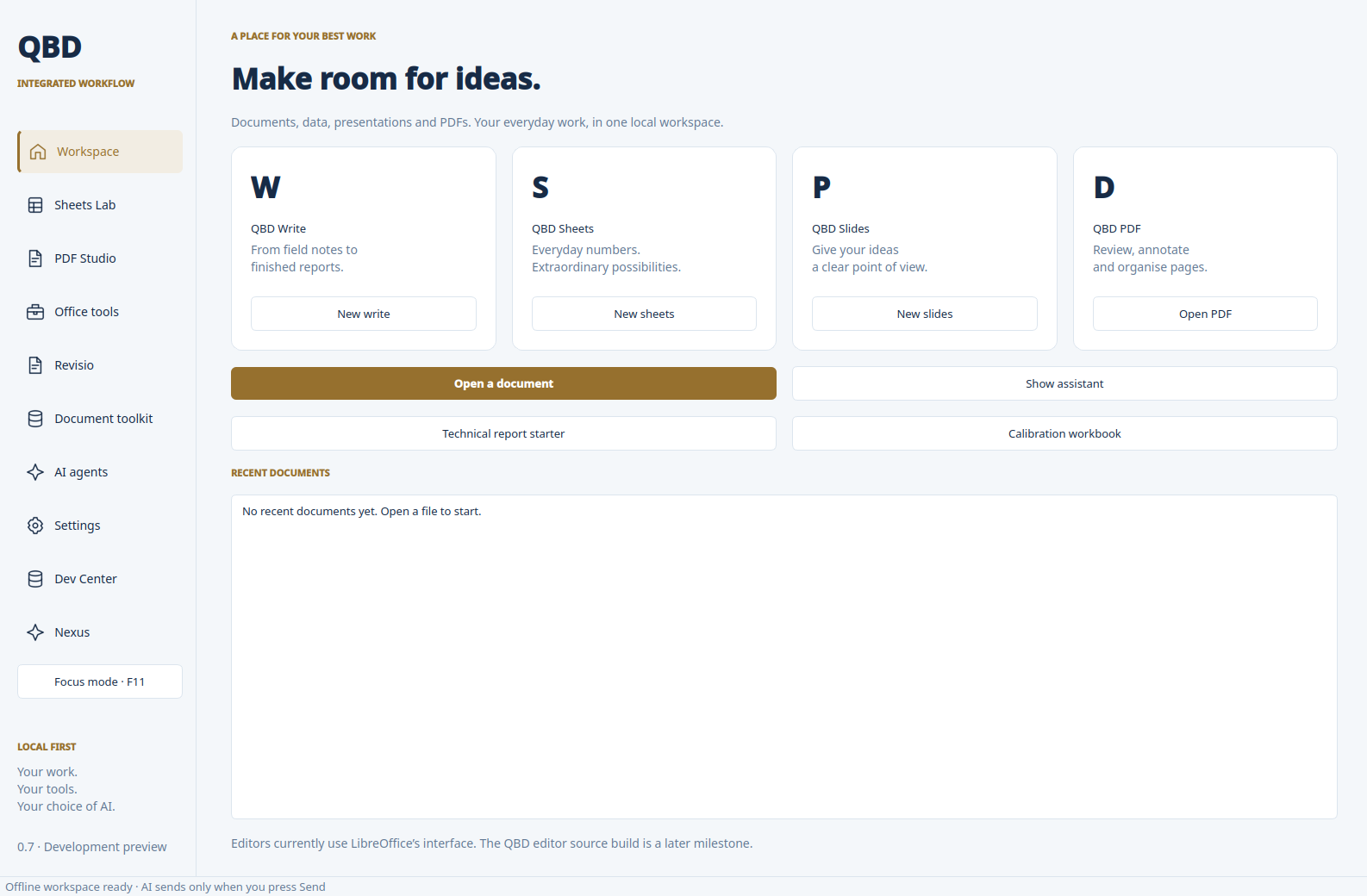 Arctic Office
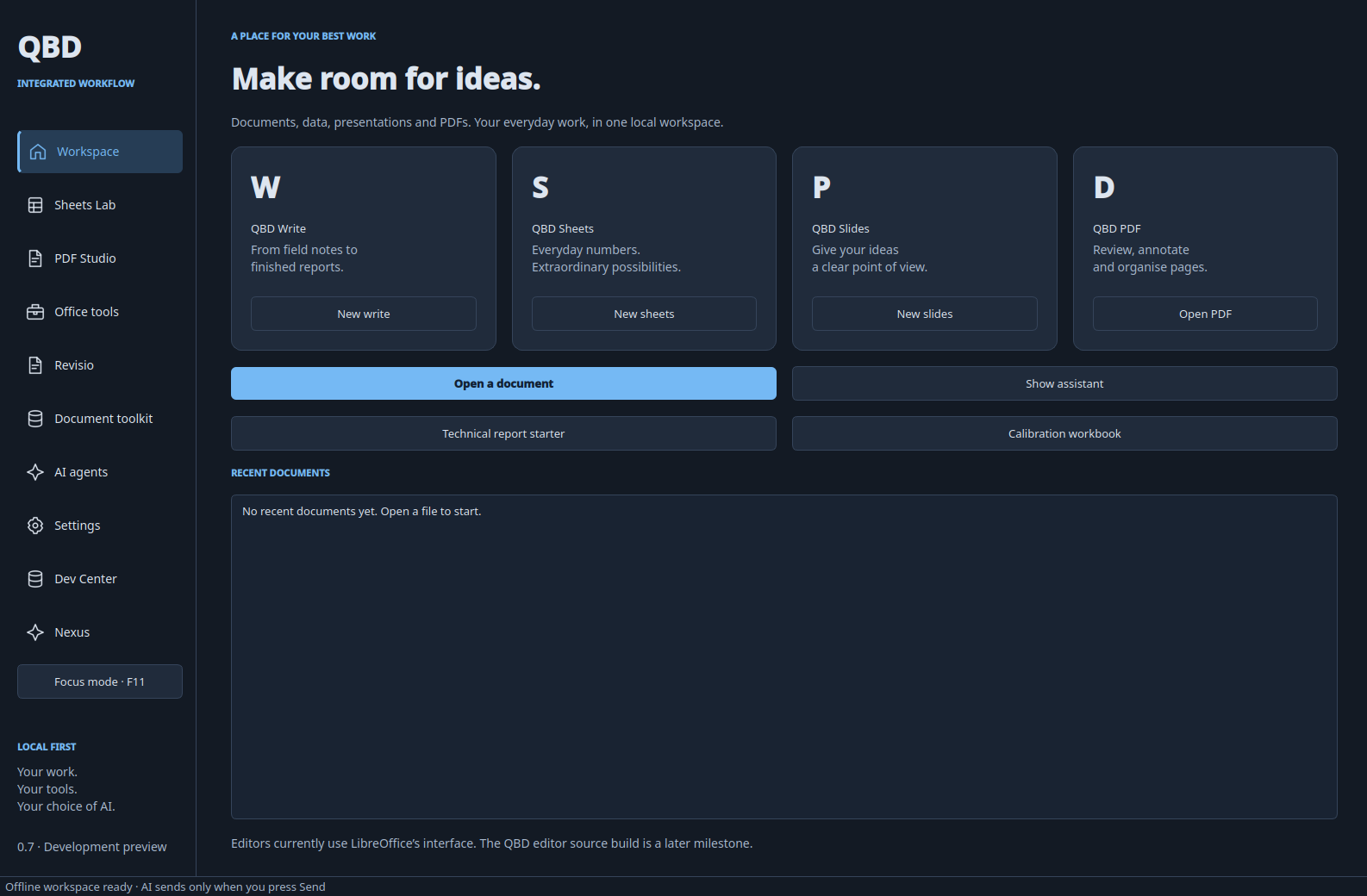 Midnight Titanium